Give your friends £10 off their first order!
Refer a FRIEND








 Hidden GemsWed 18 Nov 10am
 The Thursday DropThu 19 Nov 6pm
 The Friday Final CutFri 20 Nov 10am
Prices change straight away. Every language is our own translation, not Google.
A project from our live show HOBBYMAKER TV - Join us for the latest show - Broadcast 1 P.M. (UK) 6rth April 2026 · 06/04/2026 · watch it from 43:00
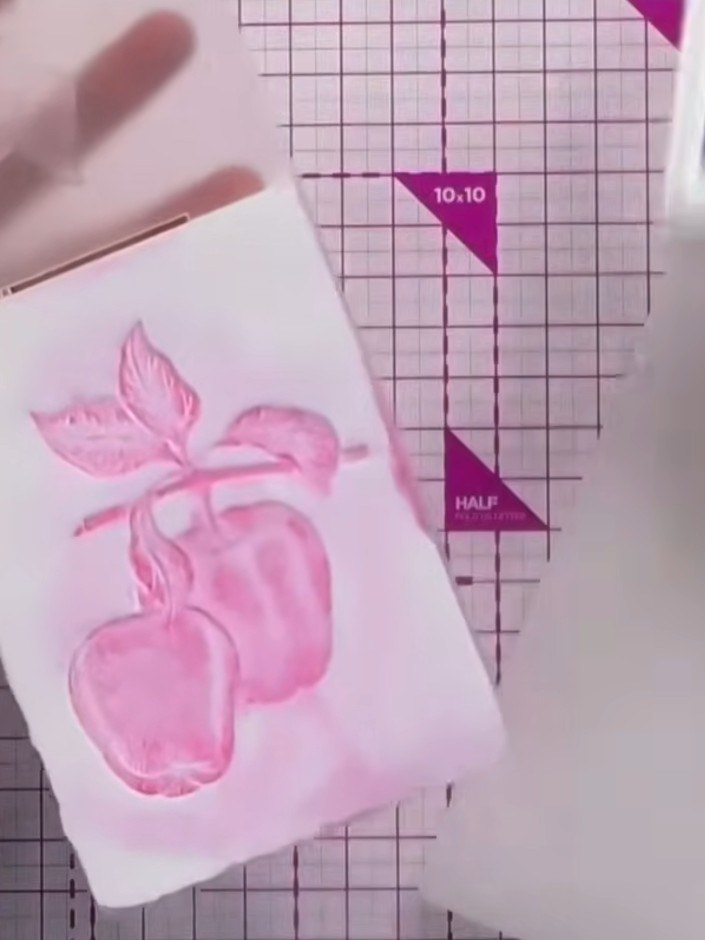
Create an artistic card featuring a beautiful embossed fruit design with a soft pink watercolour wash effect. This elegant technique combines embossing and watercolour for a dimensional, artistic finish. The result is a stunning handmade card with delicate pink tones and raised texture that's perfect for any occasion.
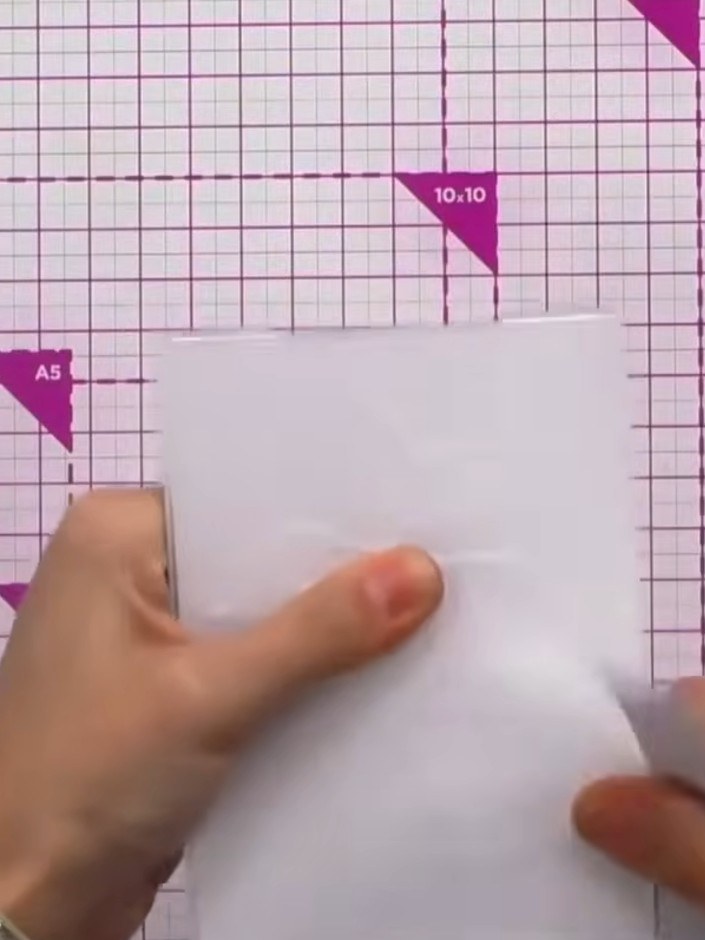
Trim your white card stock to fit inside the embossing folder. Use your cutting mat and trimmer to cut the card to the appropriate size.
▶ watch this step (43:15)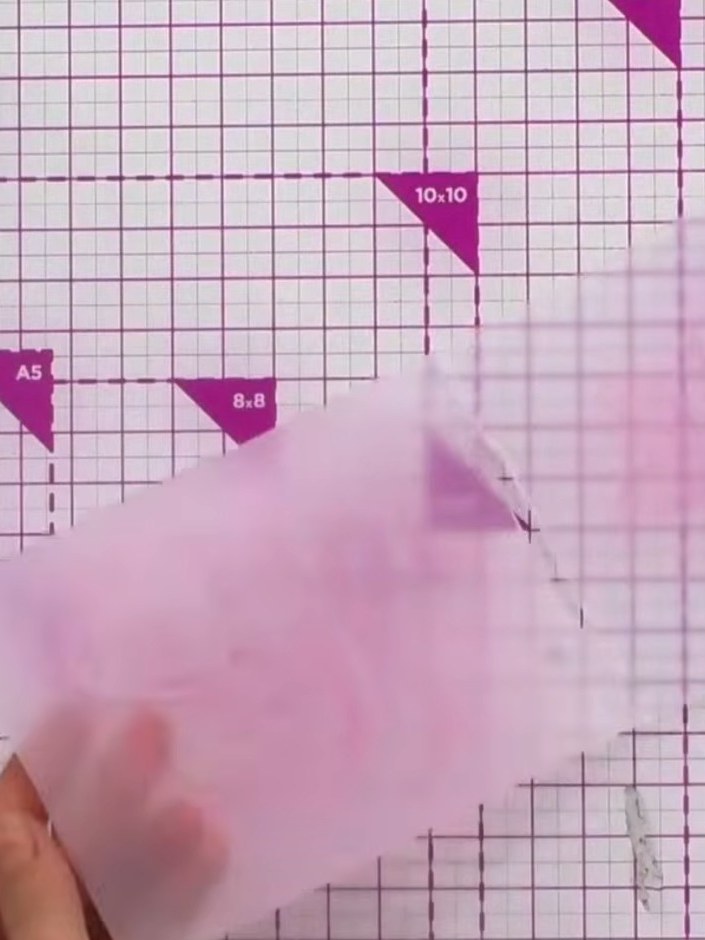
Apply pink ink across both the top and bottom sides of your embossing folder using a Distress Ink pad. Ensure you swipe the ink thoroughly over the entire surface for full coverage.
▶ watch this step (43:30)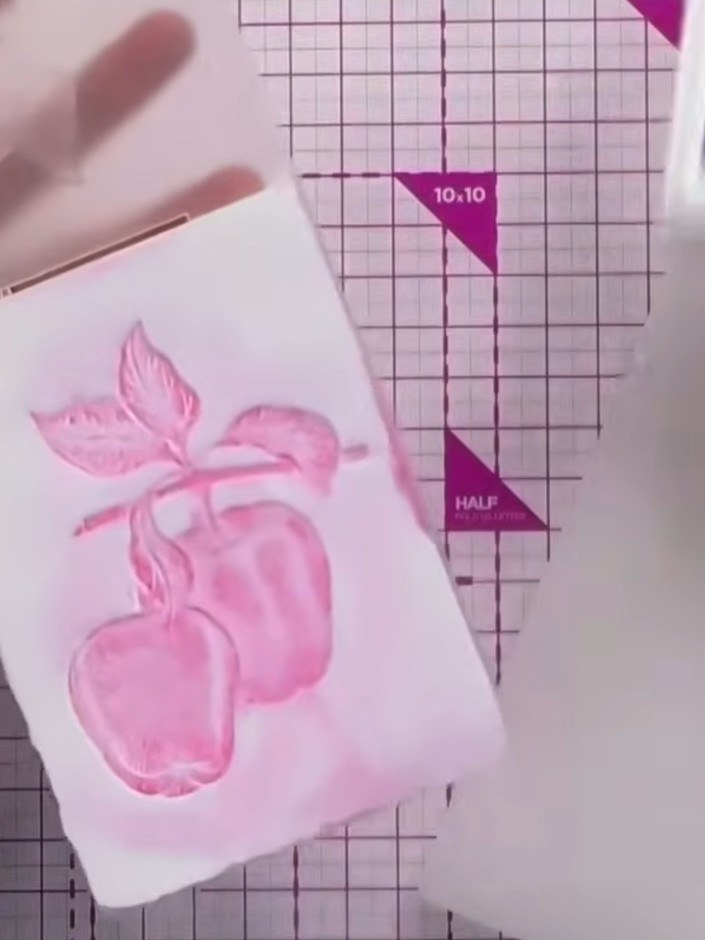
Lightly spray water onto the inked embossing folder to create a watercolour effect on the pink cardstock.
▶ watch this step (43:45)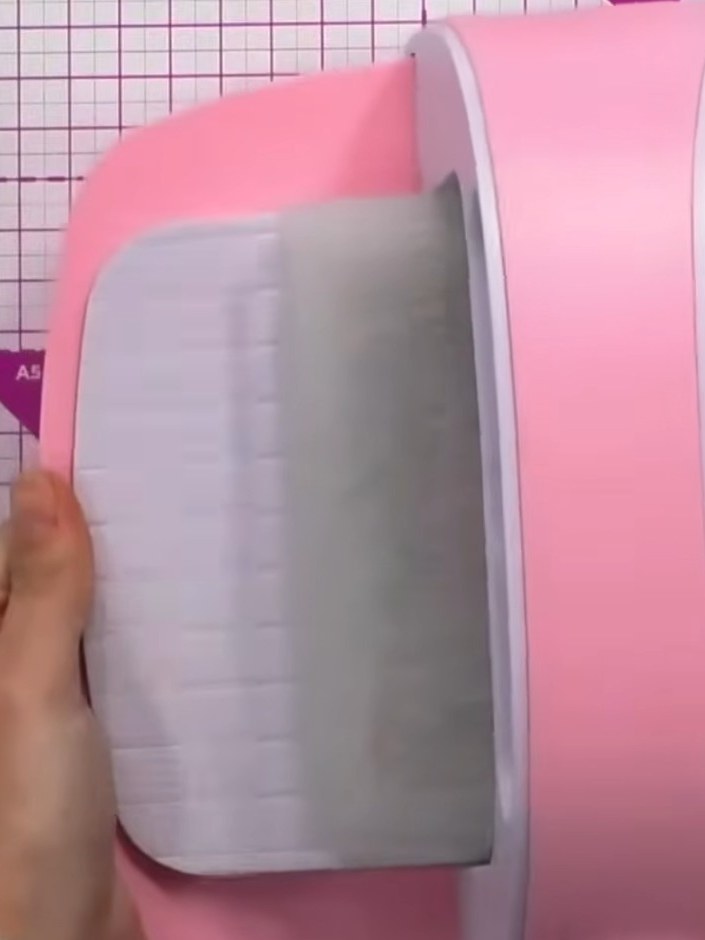
Place your white card stock into the inked embossing folder and run it through your die-cutting machine three times to ensure a good impression.
▶ watch this step (44:00)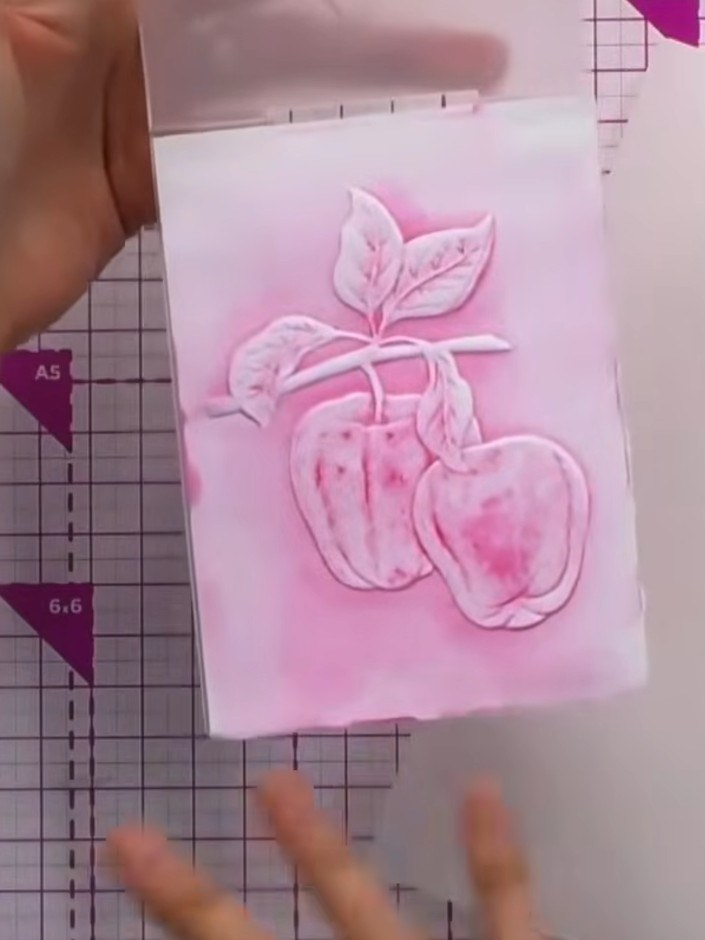
Remove the card from the embossing folder and allow it to dry completely. Observe the abstract, watercolour-like finish with dimensional texture created by the pink ink and water wash over the embossed apple design.
▶ watch this step (44:15)Written up from the show itself. See every guide from our shows · free how-to guides · watch live on My Telly