Give your friends £10 off their first order!
Refer a FRIEND








 The Friday Final CutFri 27 Nov 10am
 Community ShowcaseMon 30 Nov 10am
 Deal HuntersTue 1 Dec 1pm
Prices change straight away. Every language is our own translation, not Google.
A project from our live show CREATE AND CRAFT TV - New and Exclusive - Broadcast 27th August 24 · 27/08/2024
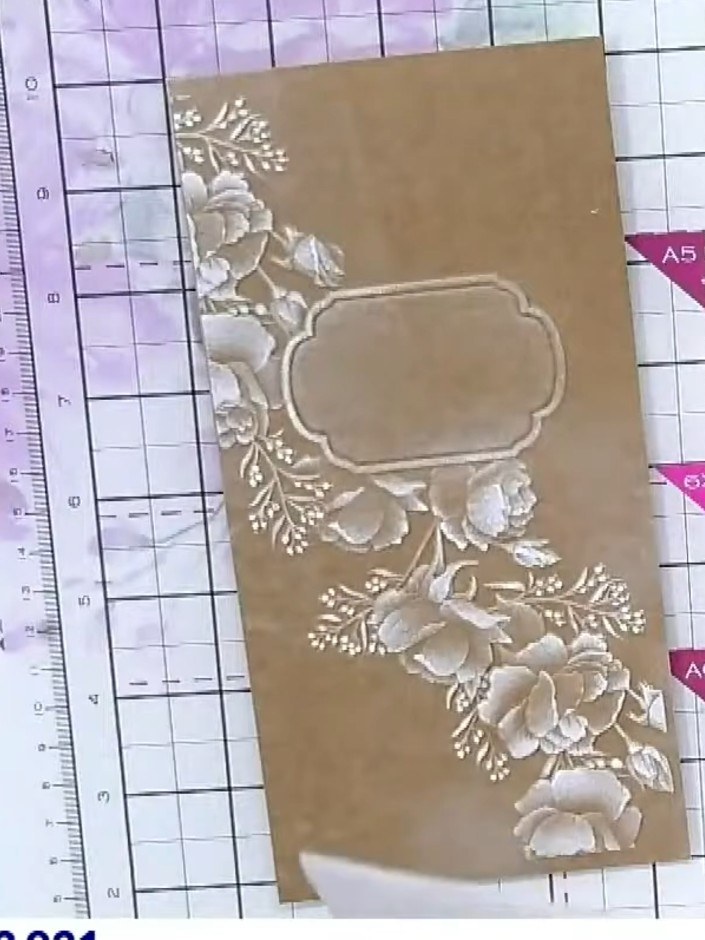
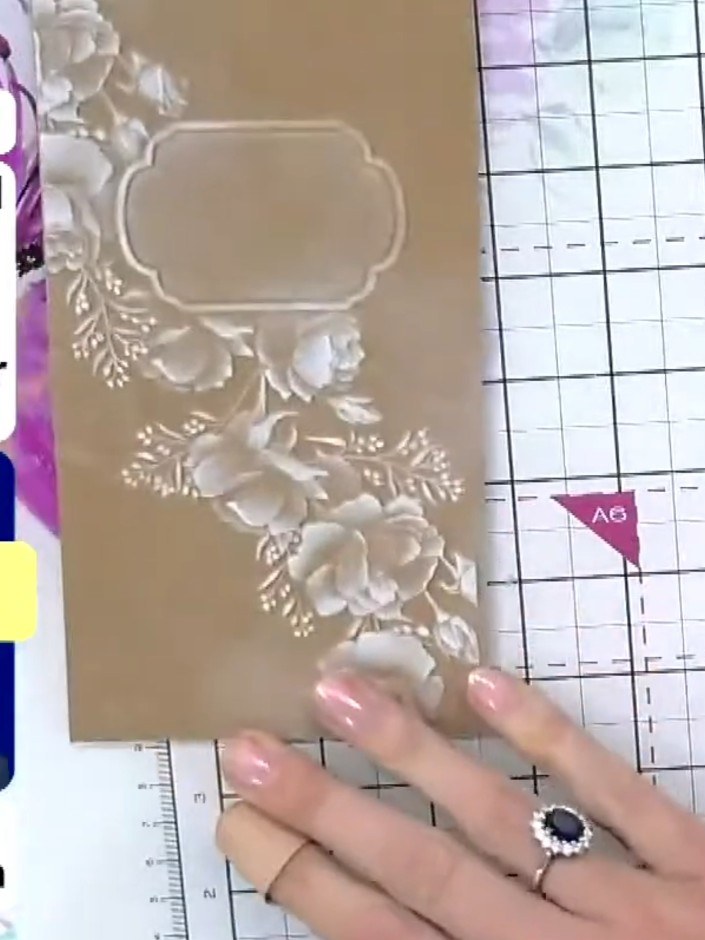
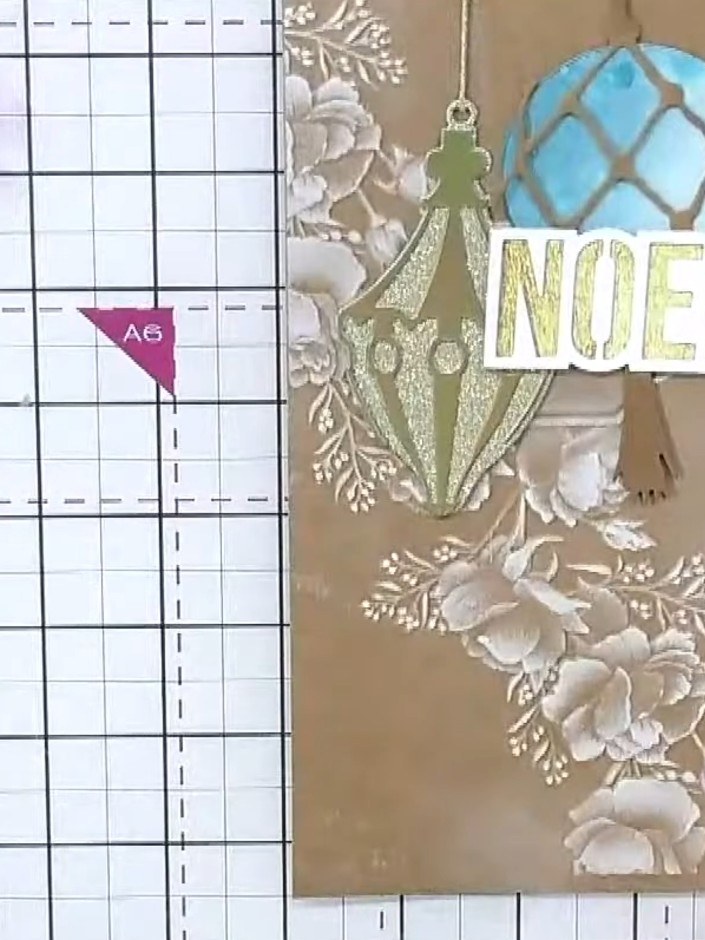
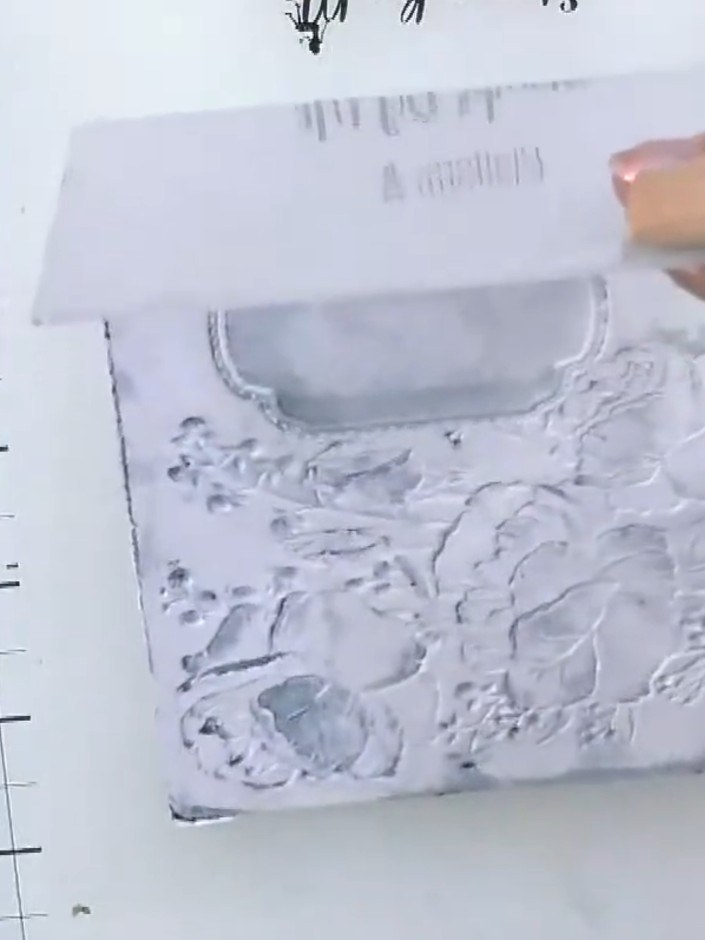
Create a stunning embossed card with a beautiful watercolour stone effect finish. Using the All Occasions 3D embossing folder, you'll emboss a floral design with a decorative frame, then apply ink and water to both sides to achieve an atmospheric, weathered look in soft blues and greys. This elegant technique transforms simple cardstock into a sophisticated A2 card perfect for any occasion.
 1
Place your A2 embossing folder into your die-cutting machine. Run it through the machine to emboss the design onto your card.
 2
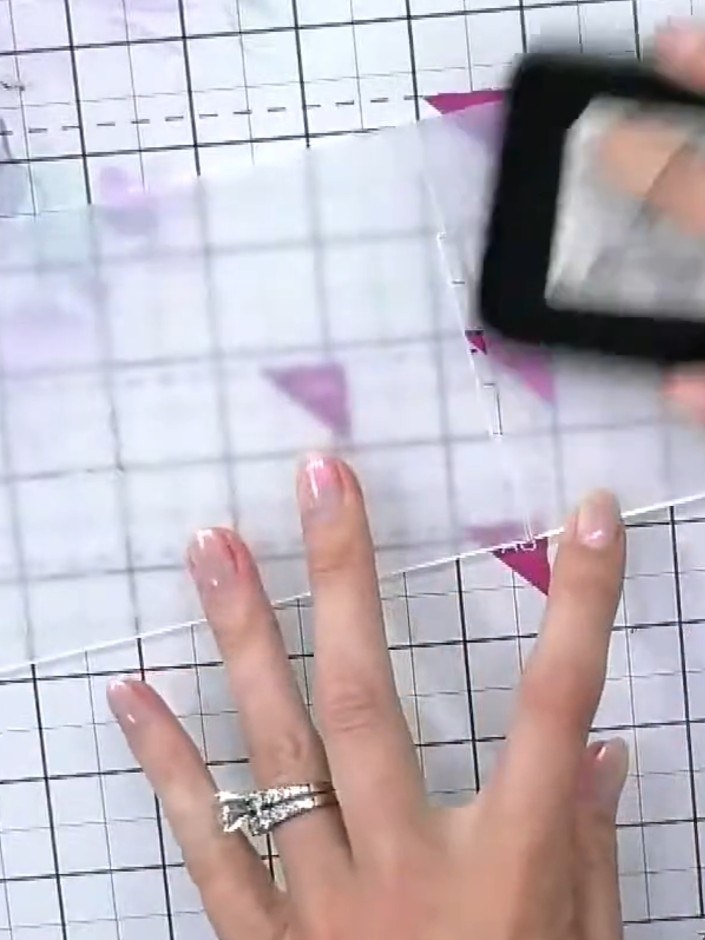
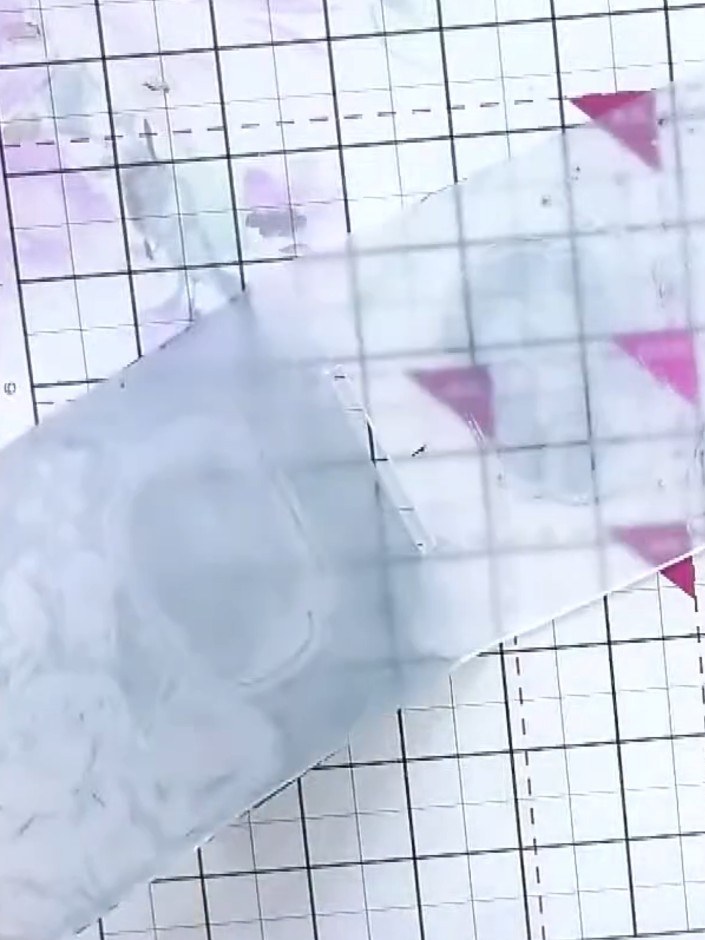
Apply blue ink pad to both sides of the embossing folder, gently smooshing the ink pad over the raised design to coat it evenly.
 3
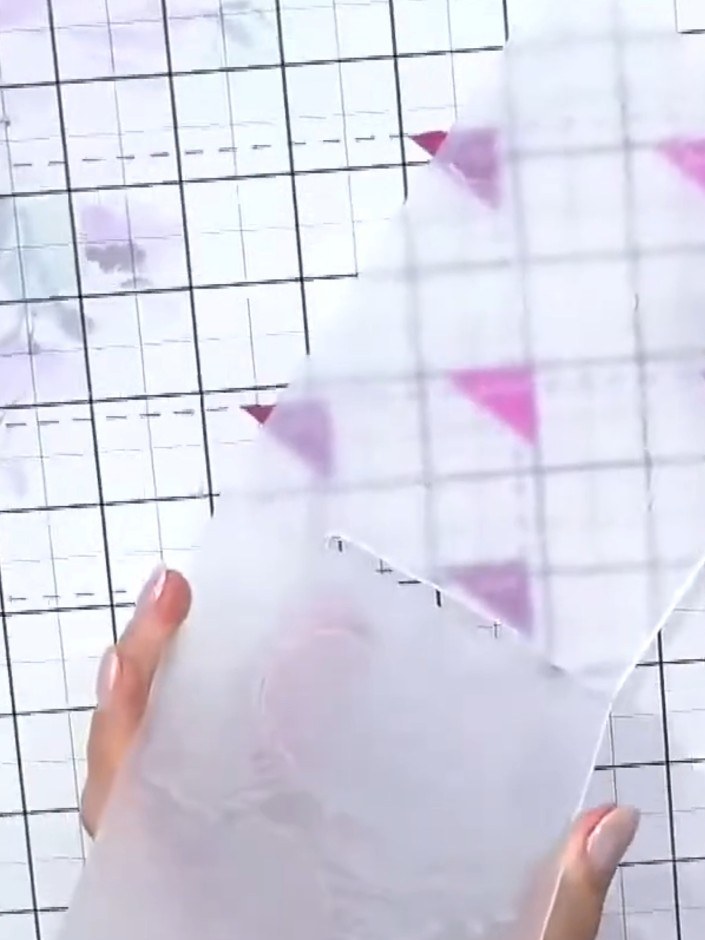
Lightly spray the embossed folder with water using an ink pad or spray bottle to create a watercolour effect on the embossed design.
 4
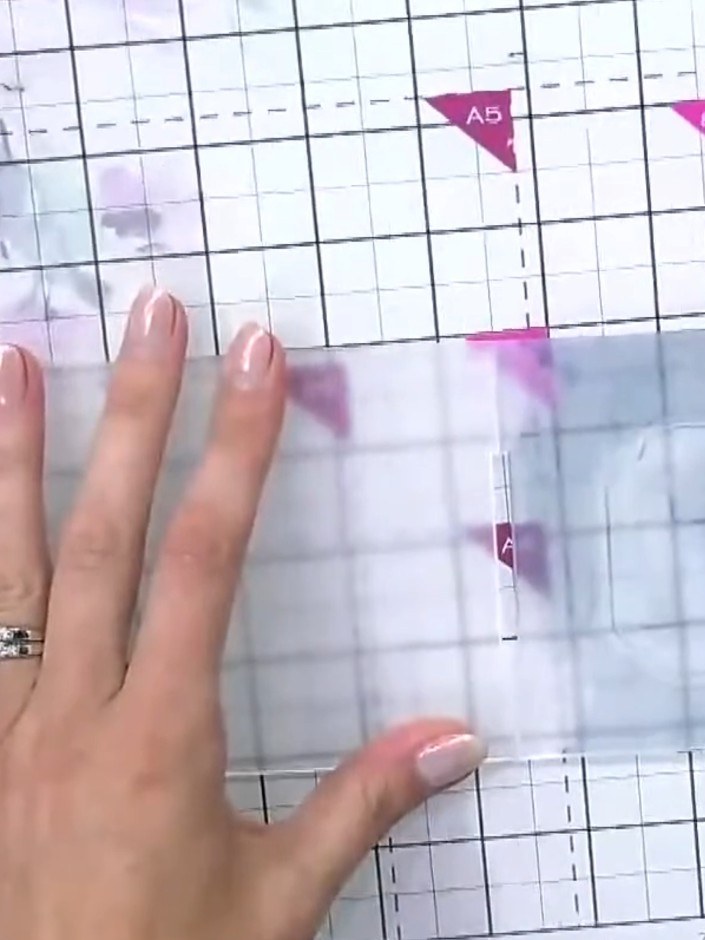
Place your inked and wet card into the embossing folder. Run the folder through your die-cutting machine to emboss the design and transfer the ink pattern onto the card.
 5
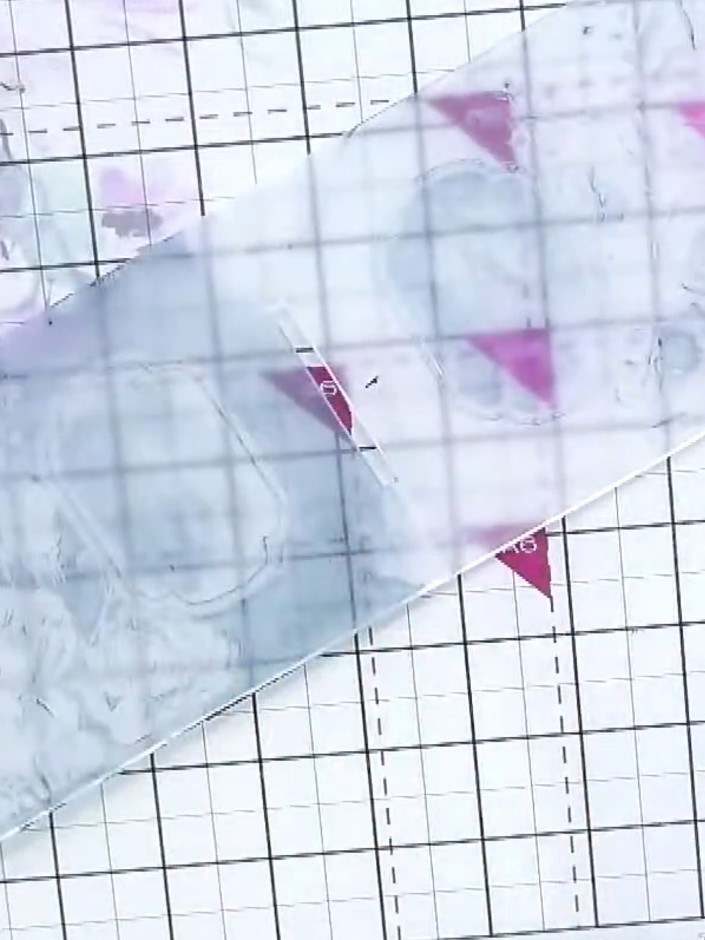
Remove the embossed card from the cutting mat and set it aside to dry completely. The water and ink will create an atmospheric wash effect as it dries.
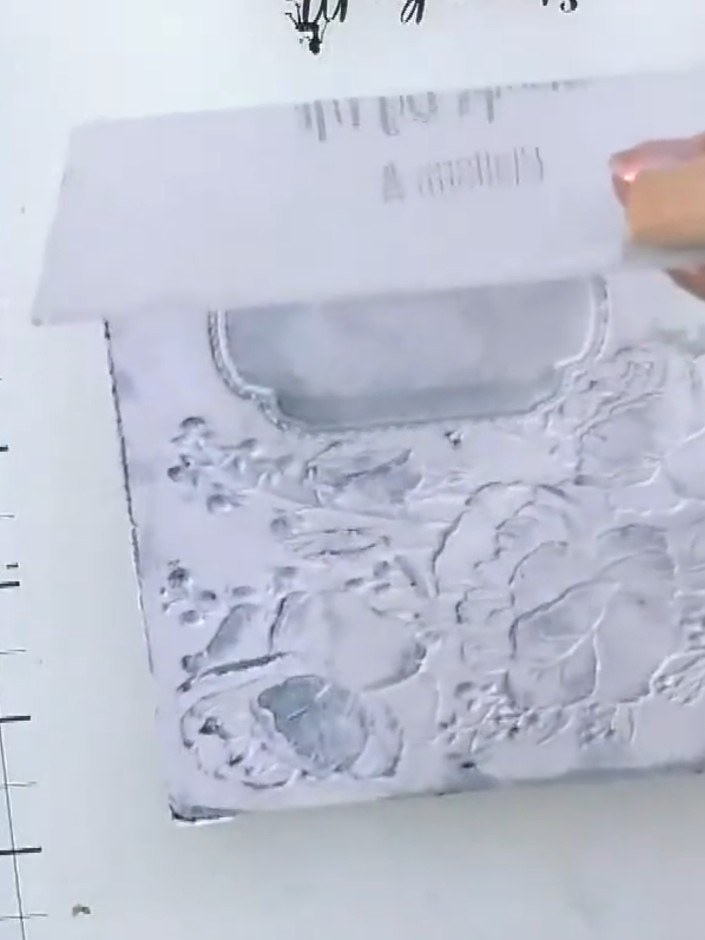 6
If the embossed design appears too light on one side, use a white ink pad to go back over the flowers and restore the detail. Gently dab the ink pad over the raised areas to enhance the white embossed elements.
Share your make with the Stamps By Me community - and keep this guide for next time.
Written up from the show itself. See every guide from our shows · free how-to guides · watch live on My Telly · the previous layout