Give your friends £10 off their first order!
Refer a FRIEND








Prices change straight away. Every language is our own translation, not Google.
A project from our live show MY PODCAST - Catch my latest updates broadcast 7th April 2025 · 07/04/2025 · watch it from 50:45
Create a sophisticated mini card featuring an intricate mandala-style butterfly design heat-embossed in gold on grey cardstock. The delicate butterfly motif is complemented by a 'Grateful' sentiment circle and layered decorative elements in grey and white tones. This elegant project uses heat embossing and die-cutting techniques to achieve a beautiful dimensional effect.
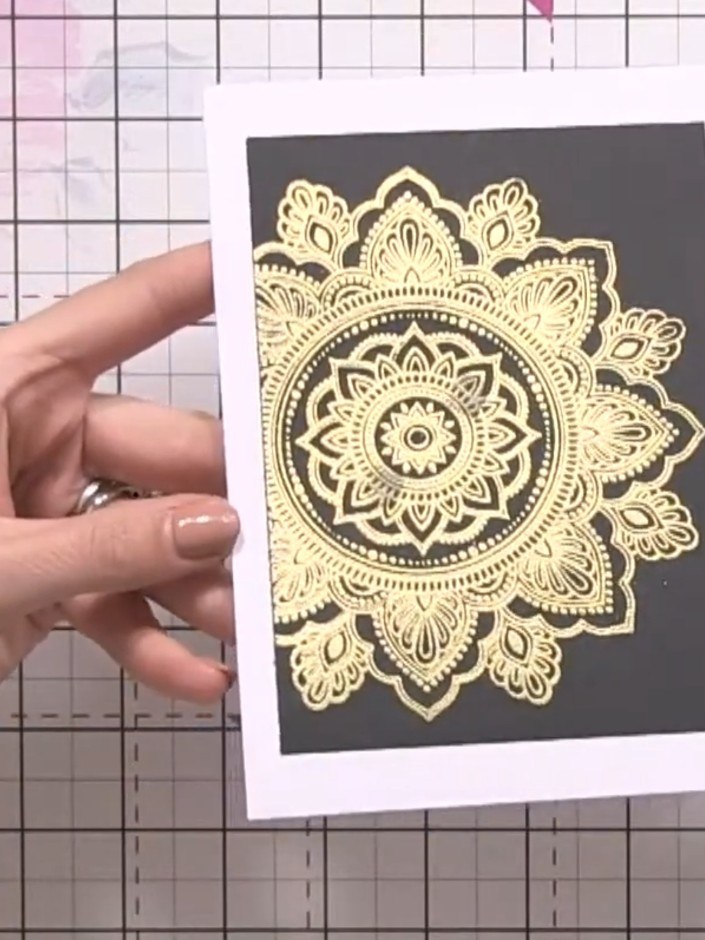
Stamp the Serendipity mosaic design onto black card stock using gold ink. Heat emboss the stamped design to create a raised, metallic finish.
▶ watch this step (51:00)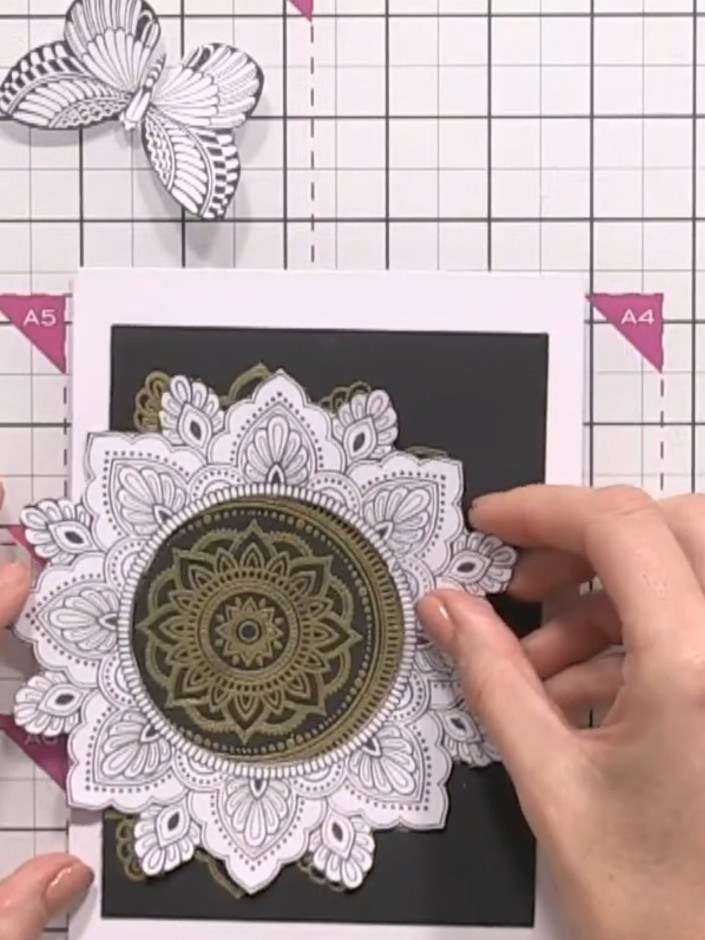
Heat-emboss the stamped mandala design with gold embossing powder using a heat tool. The gold embossing will add dimension and a metallic finish to the intricate pattern on the black cardstock.
▶ watch this step (51:15)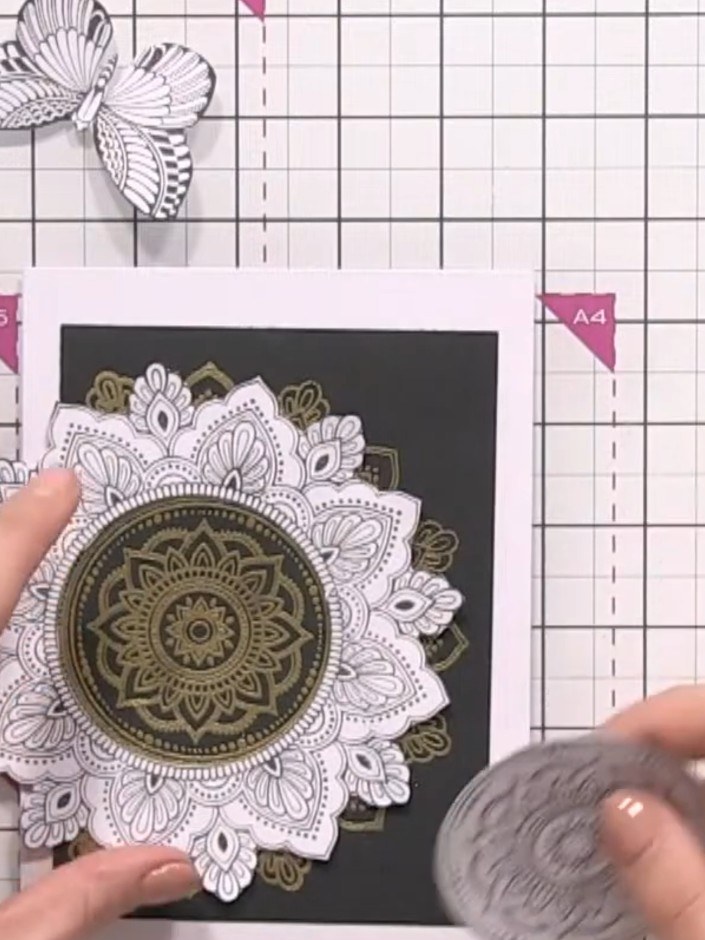
Use a circular die cut to cut away the centre of the embossed mandala design. Position the die over the white circular centre and run through your die-cutting machine to create an openwork effect.
▶ watch this step (51:30)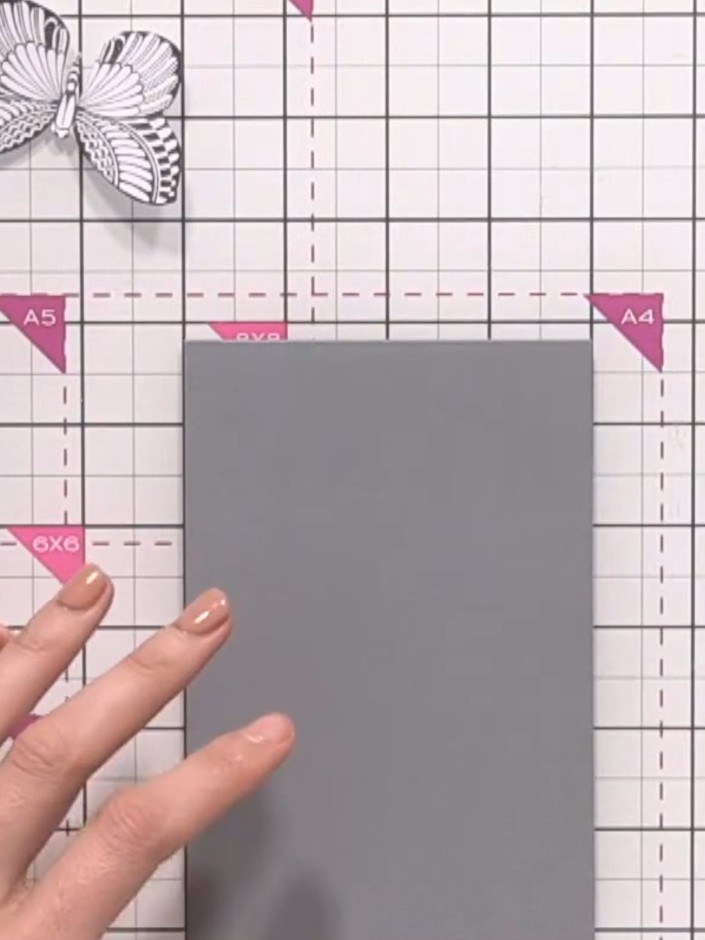
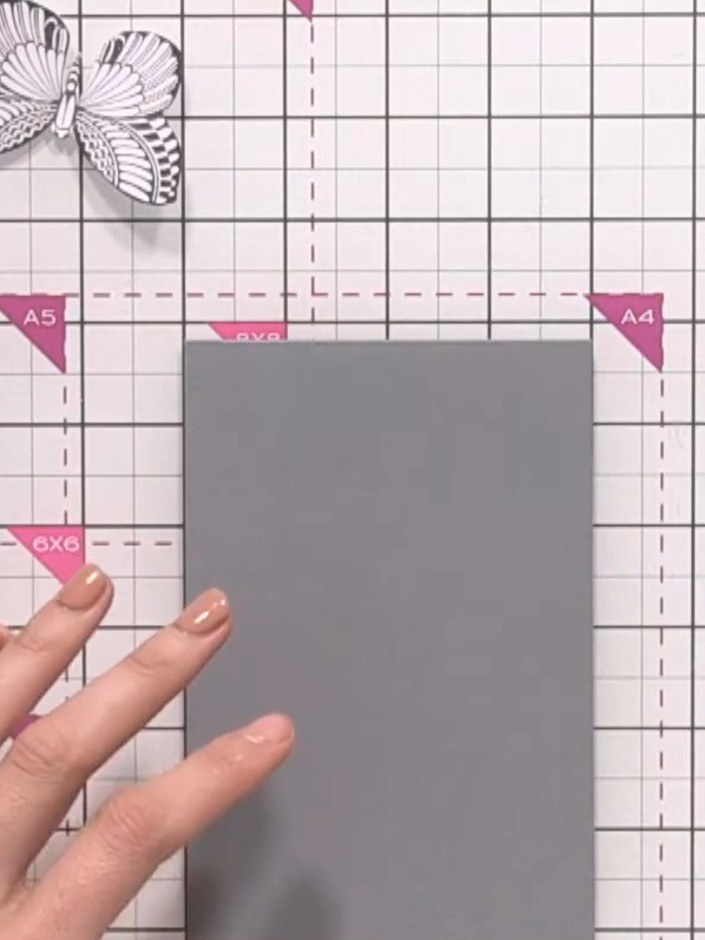
Cut a grey card blank in half to create a smaller card base. Position the floral panel on the grey card to check the size and placement.
▶ watch this step (52:30)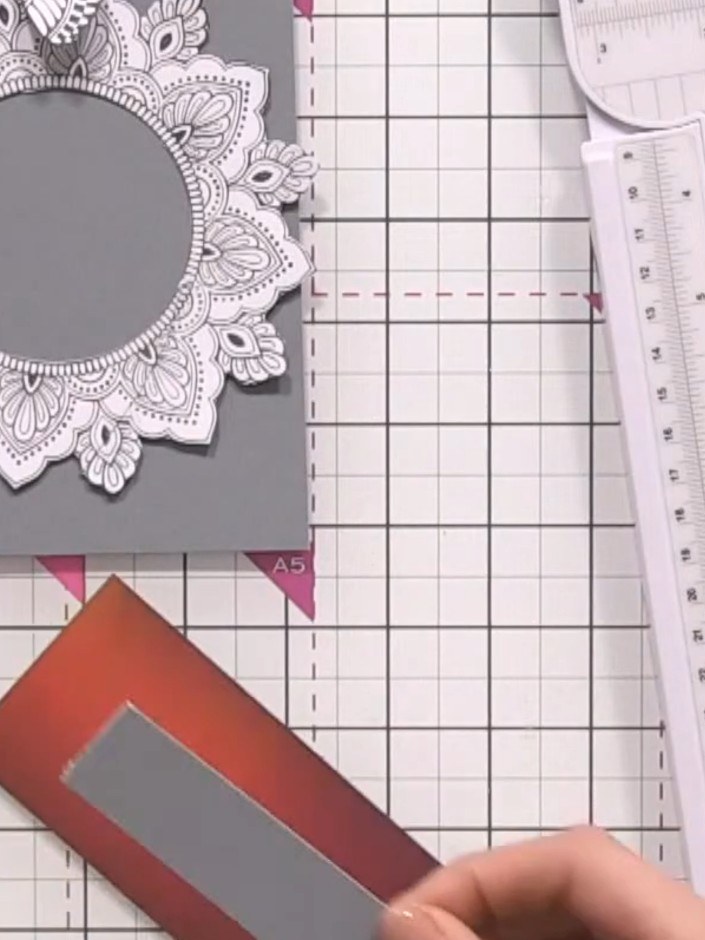
Cut a thin panel from the burgundy and grey patterned paper off-cut. Adhere this panel horizontally across the centre of the grey card base, creating a decorative band.
▶ watch this step (53:30)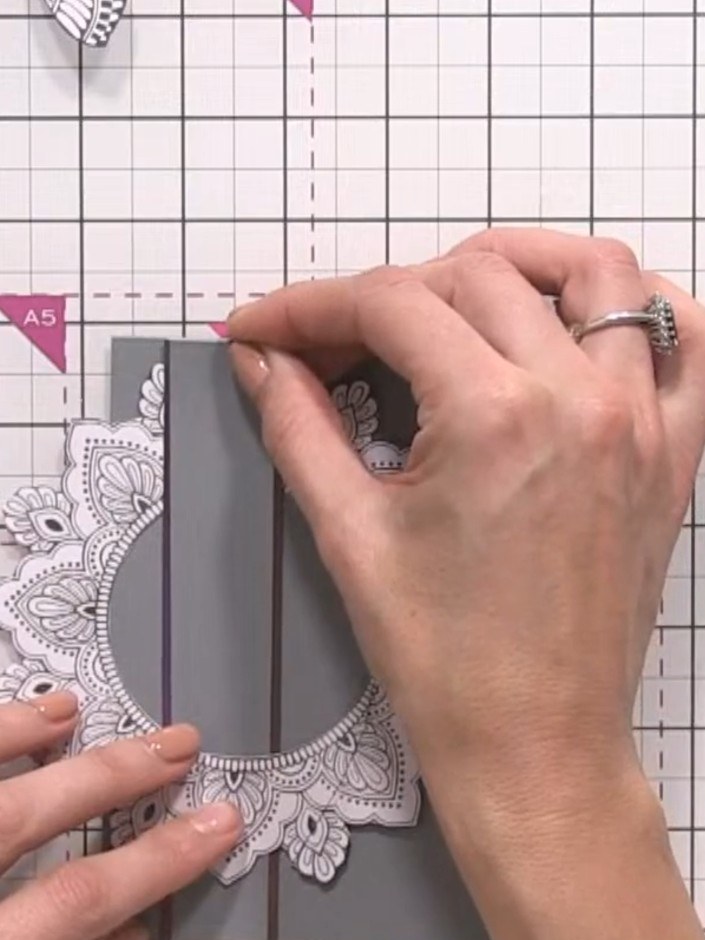
Trim away the excess patterned paper panel so it sits flush with the grey card edges. Use scissors or a trimmer to carefully cut along the edges of the card base.
▶ watch this step (54:15)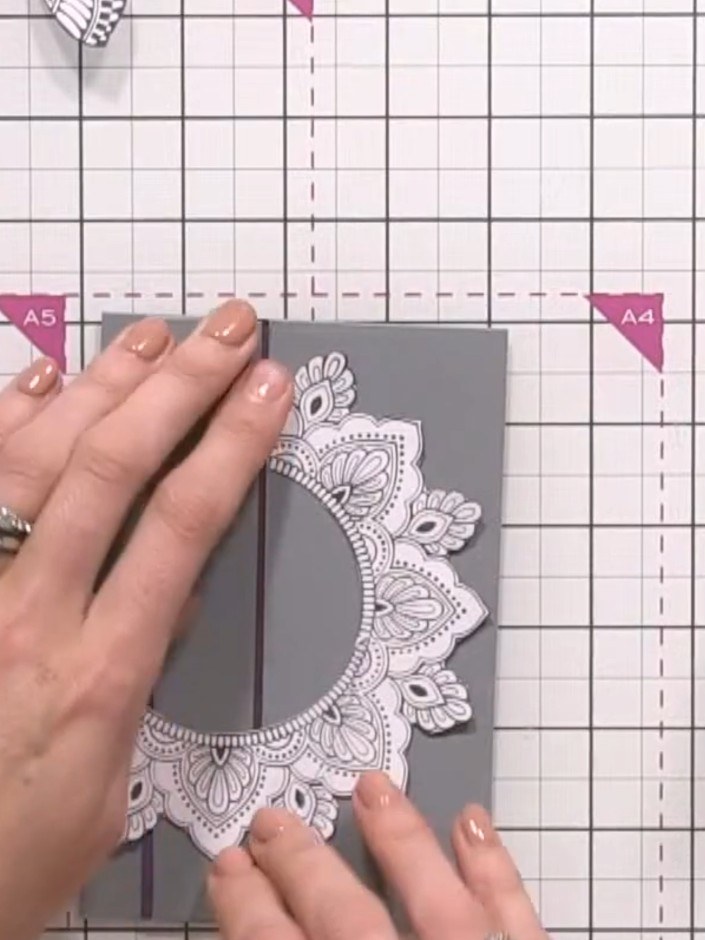
Adhere the die-cut embossed panel to the centre front of the grey card base, positioning it so the grey shows through the cut-out centre aperture.
▶ watch this step (55:00)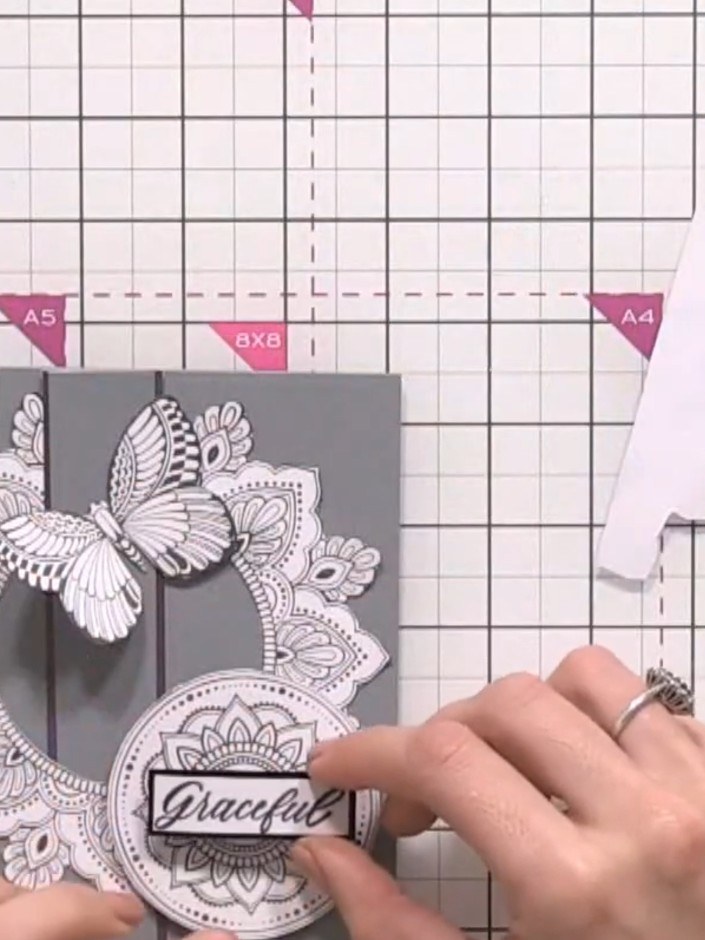
Stamp a sentiment inside the card to complete your design. Position the sentiment stamp centrally on the inside panel and press firmly to transfer the image.
▶ watch this step (55:30)Written up from the show itself. See every guide from our shows · free how-to guides · watch live on My Telly