Give your friends £10 off their first order!
Refer a FRIEND








A project from our live show MONDAY MADNESS - Join Simon from AVAGO-INK for his latest products - Broadcast 17th OCT 22 · 17/10/2022 · watch it from 13:15
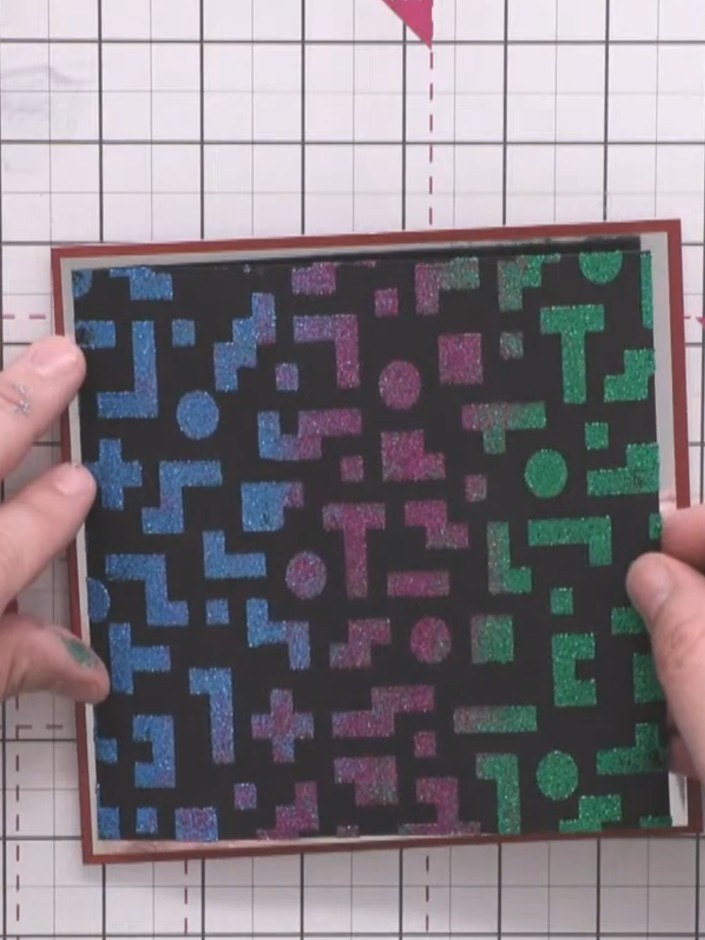
Create a striking retro gaming-inspired card featuring a textured pixel pattern background in vibrant blues, purples and greens on black. This layered design showcases stencilling and embossing techniques, with the gradient geometric shapes mounted on metallic silver mirror card and finished with a bold 'Game Over' sentiment.
 100574 - HTCN - Avago-ink Designs - Stencil - Pixel Pattern - 100522ASEE IT
 Izink Diamond Paint 80ML Carribean Blue 070621AHSEE IT
 Izink Diamond Paint 80ML Vert Fonce 070621TSEE IT
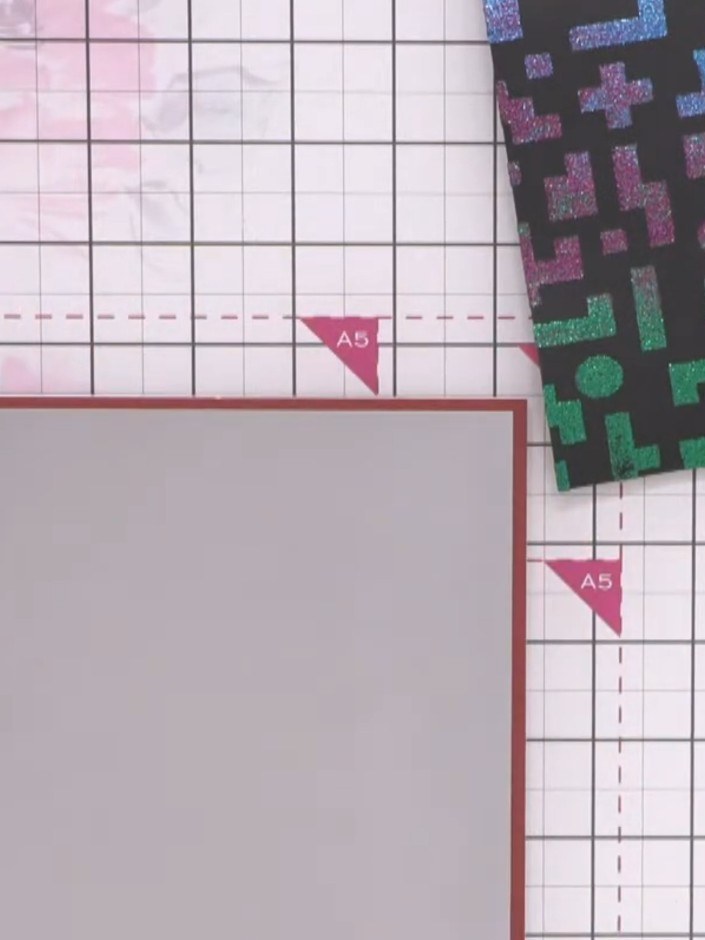
Take an A5 burgundy card blank and attach a slightly smaller silver mirror card panel to the front, leaving an even border around all edges.
▶ watch this step (13:30)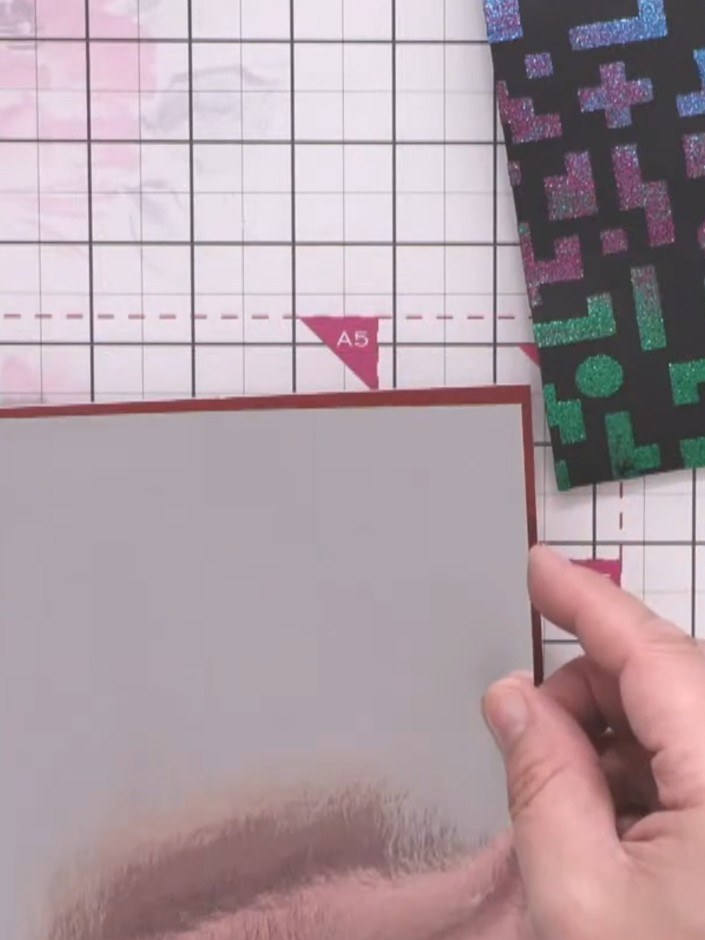
Apply tape runner adhesive to the back of the silver mirror card layer and attach it centrally to the burgundy backing card.
▶ watch this step (13:30)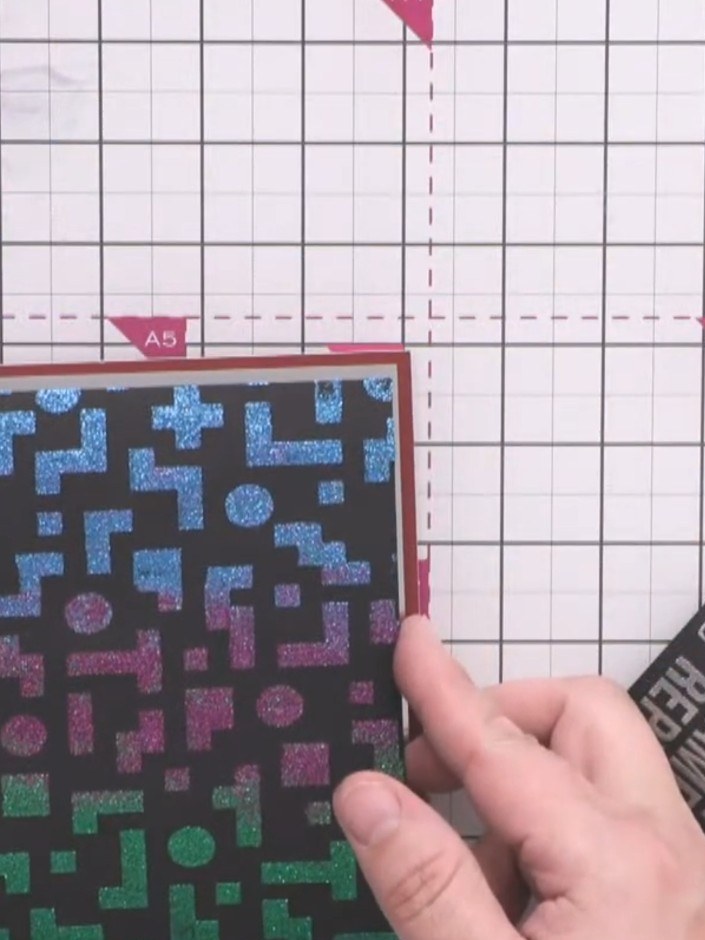
Apply tape runner adhesive to the back of the black pixel pattern card. Position it onto the silver mirror card, arranging the gradient colours so the blue is at the top transitioning to pink in the middle and green at the bottom.
▶ watch this step (14:00)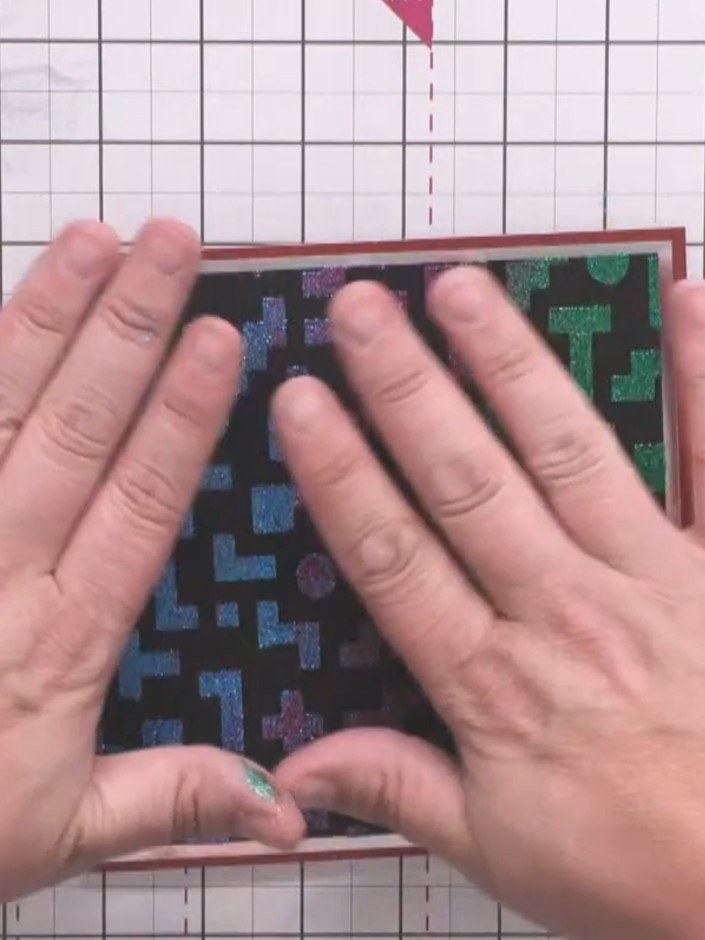
Apply foam tape to the back of the embossed sentiment card to give it height and dimension. Press firmly to secure the foam tape in place.
▶ watch this step (14:15)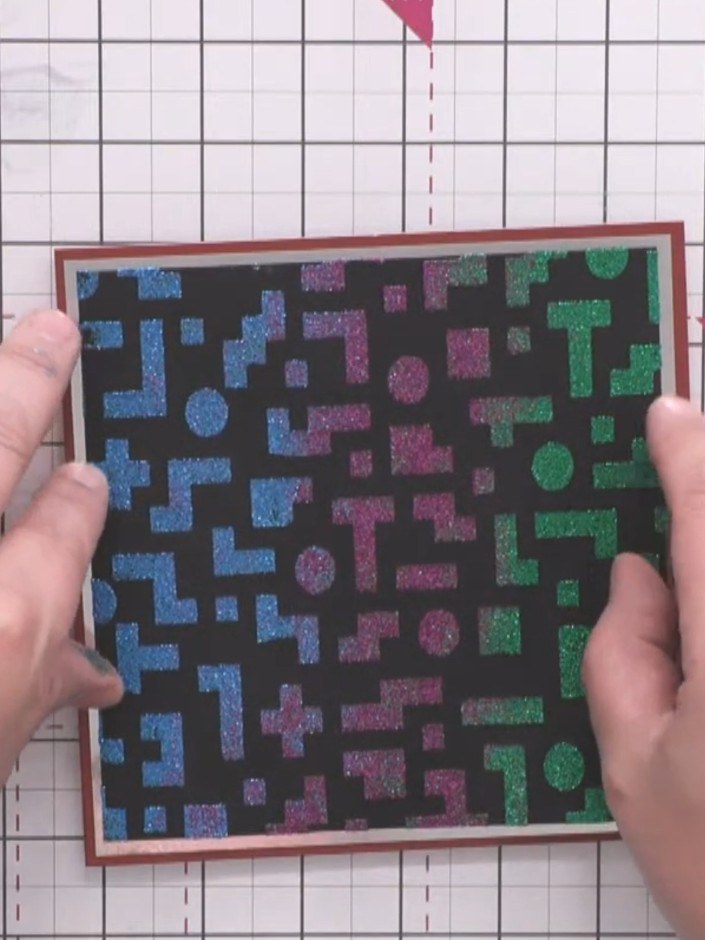
Position the embossed sentiment card centrally on top of the stencilled background panel, ensuring the textured pixel pattern remains visible around the edges.
▶ watch this step (14:30)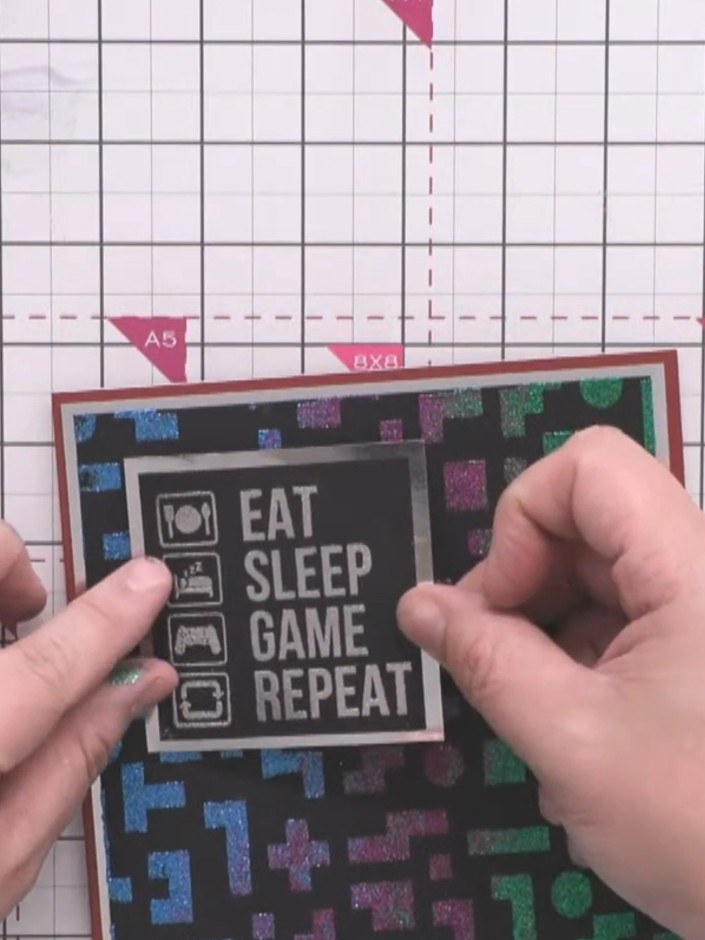
Press down firmly on all the layers to secure them together and complete your assembled card.
▶ watch this step (15:00)Written up from the show itself. See every guide from our shows · free how-to guides · watch live on My Telly