QUICK LINKS

info@howtocraftnetwork.com
We just got smarter - shop and watch with the SBM appGET THE APPWatch us live on your smart TVSEE HOWDiscover our dedicated IPTV channel - go to my-telly.comWATCHCollect loyalty points on every orderFIND OUT MORE
Welcome to the How to Craft Network
 
SBM SHOP
FOLLOW US
GIVE YOUR FRIENDS £10 OFF REFER A FRIEND › DISCOVER MY-TELLY.COM › WE JUST GOT SMARTER GET THE APP › AWARD WINNING CHANNEL ON YOUR TV › JOIN THE CLUB FOR SAVINGS ›
 

Mojito Cocktail Card with Stencils, Stamp and HD 3D Embossing

A project from our live show CREATE AND CRAFT SHOW 6TH JAN 2023 - Join Toni for her brand new launch! · 06/01/2023 · watch it from 47:45
Mojito Cocktail Card with Stencils, Stamp and HD 3D Embossing - the finished project
The finished project

Create a sophisticated mojito cocktail card featuring layered stencil work in fresh green and yellow tones. Add stamped details for visual interest, then enhance your design with a high-definition 3D embossed heart element. This project demonstrates how to combine multiple techniques including stencilling, stamping and HD embossing for maximum impact.
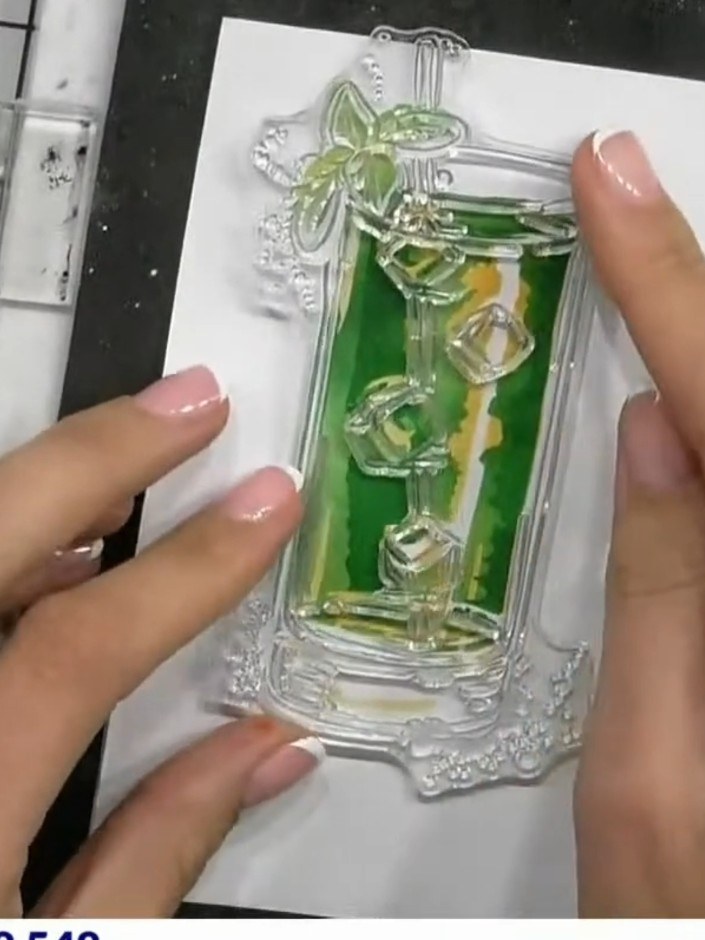
You will need

Stamps By Me Quattro D - Mojito - 090922AStamps By Me Quattro D - Mojito - 090922ASEE IT

DOWNLOAD THIS GUIDE (PDF)

Step by step

  1. Step 1: Position stencil number one in the corner of your white cardstock on the craft mat.

    Position stencil number one in the corner of your white cardstock on the craft mat.

    ▶ watch this step (48:15)
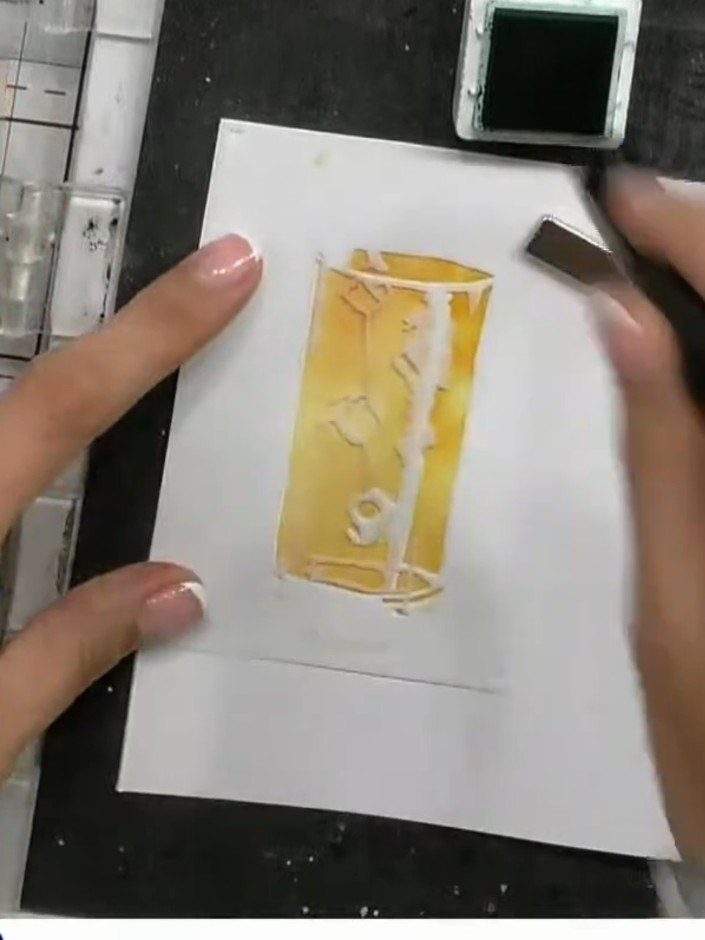
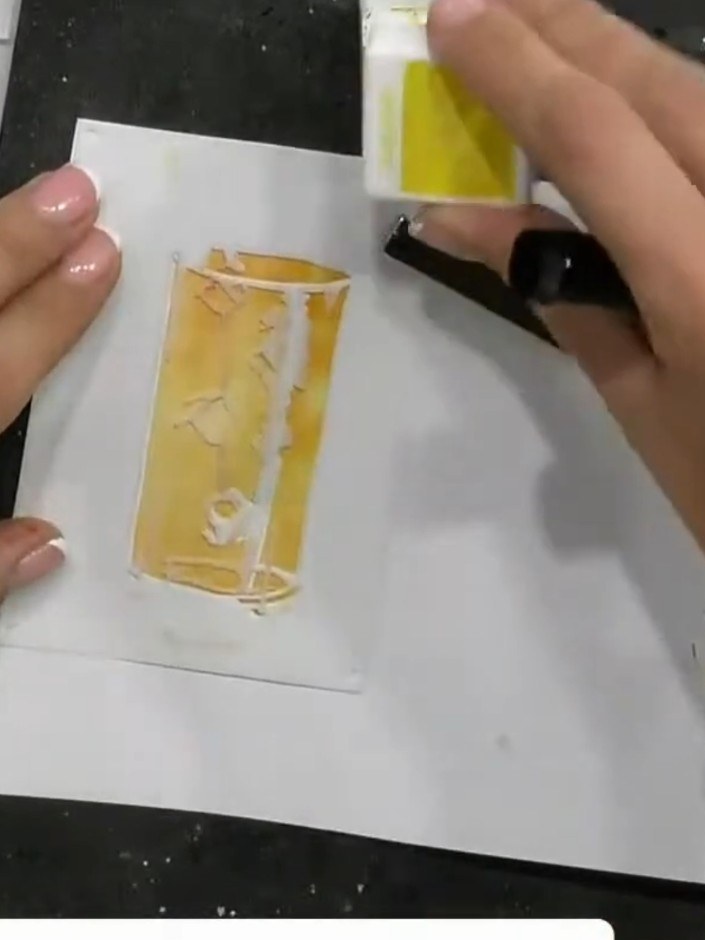
  2. Step 2: Apply green ink through the stencil using a blending brush, working over the design area to create the base co

    Apply green ink through the stencil using a blending brush, working over the design area to create the base colour for the mojito glass.

    ▶ watch this step (48:30)
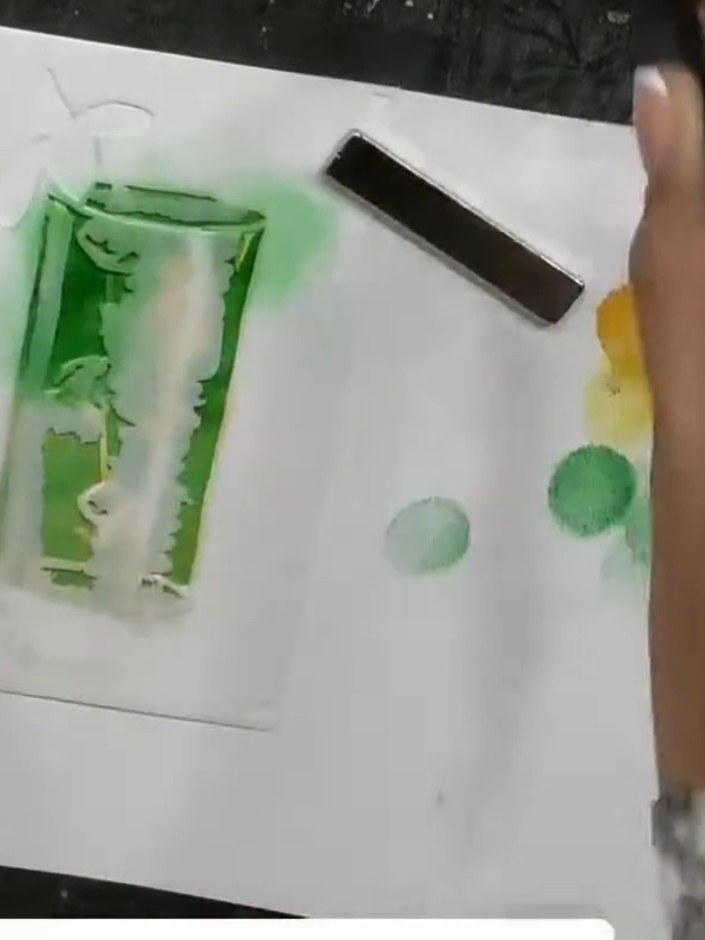
  3. Step 3: Remove the first stencil and position the second stencil in the same corner of the card. Ensure it is aligned

    Remove the first stencil and position the second stencil in the same corner of the card. Ensure it is aligned properly before continuing.

    ▶ watch this step (49:00)
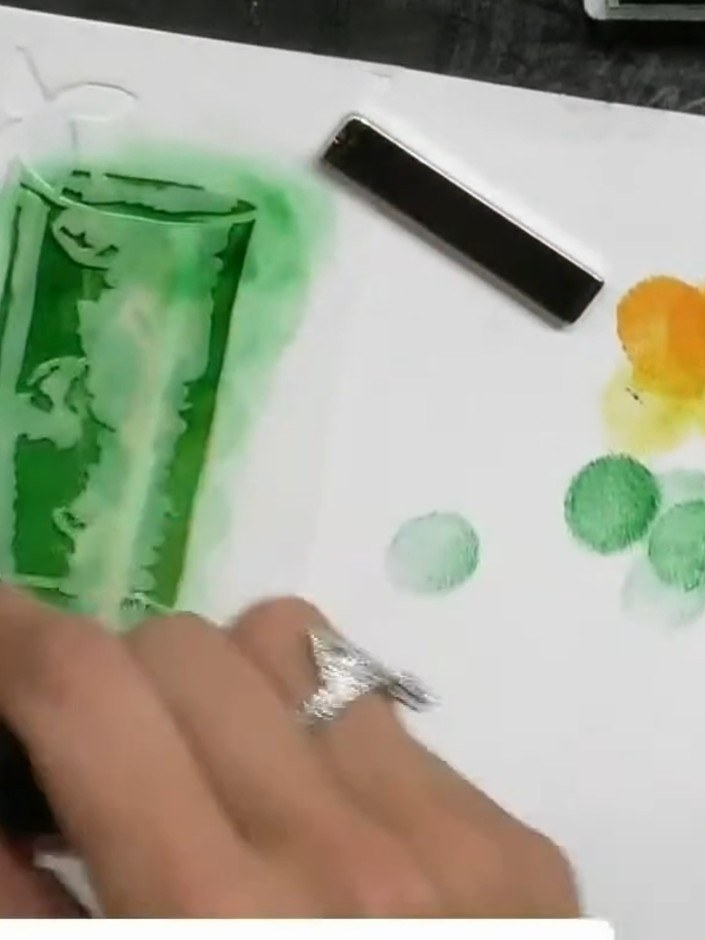
  4. Step 4: Apply green ink through the second stencil layer, building up colour and dimension around the glass image. Use

    Apply green ink through the second stencil layer, building up colour and dimension around the glass image. Use a sponge or blending tool to add depth to the design.

    ▶ watch this step (49:15)
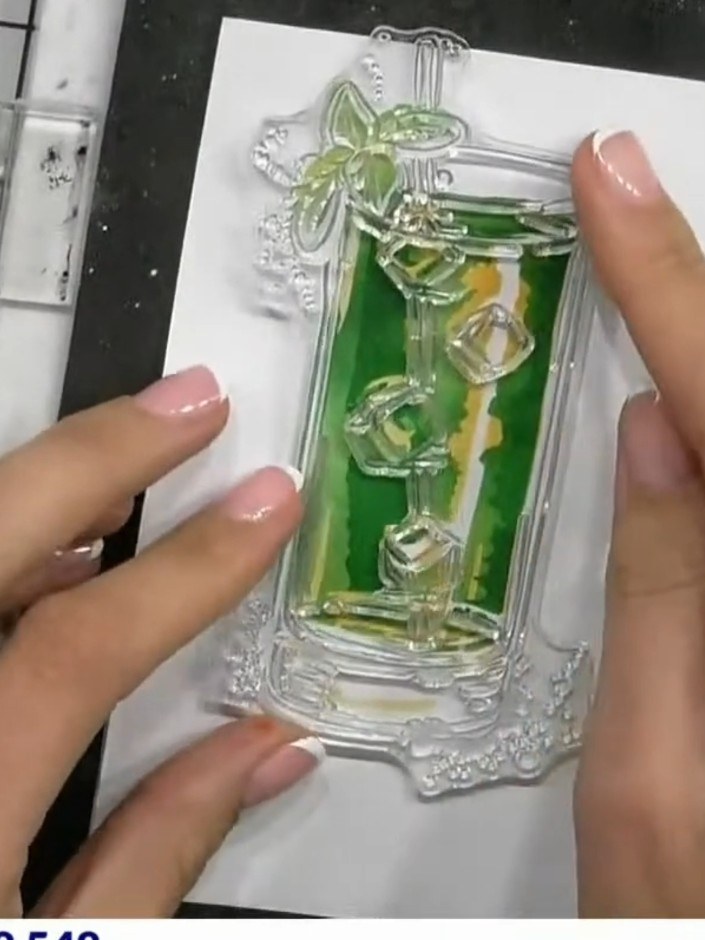
  5. Step 5: Remove stencil two and position stencil number three over the cocktail glass area on your card.

    Remove stencil two and position stencil number three over the cocktail glass area on your card.

    ▶ watch this step (49:45)
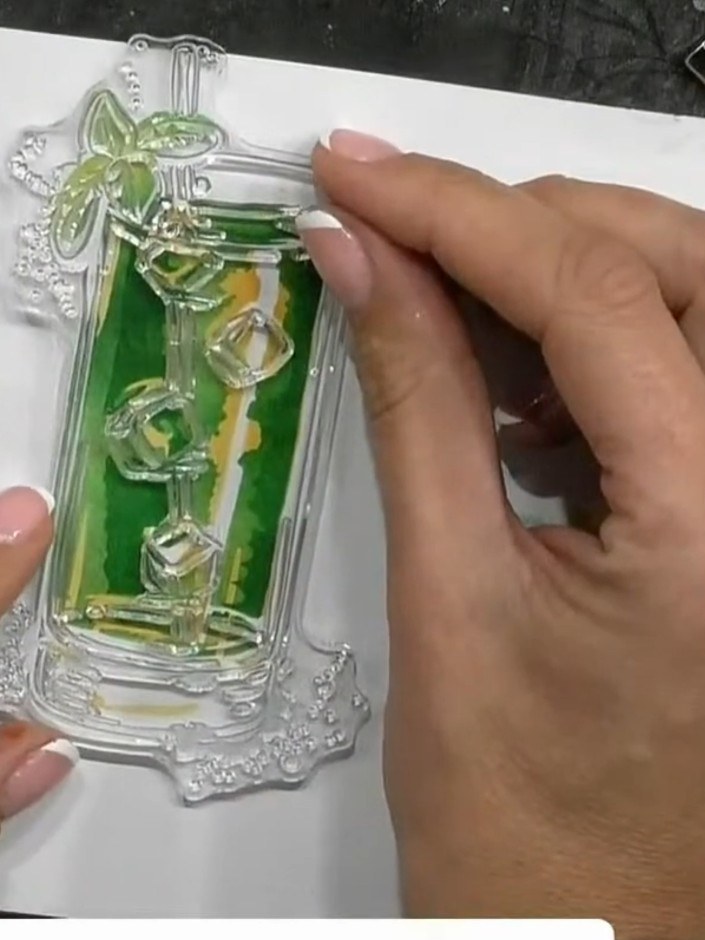
  6. Step 6: Apply green ink through stencil three, pressing firmly to create darker tones and depth. Work the ink pad over

    Apply green ink through stencil three, pressing firmly to create darker tones and depth. Work the ink pad over the stencil to build up colour intensity where desired.

    ▶ watch this step (50:00)
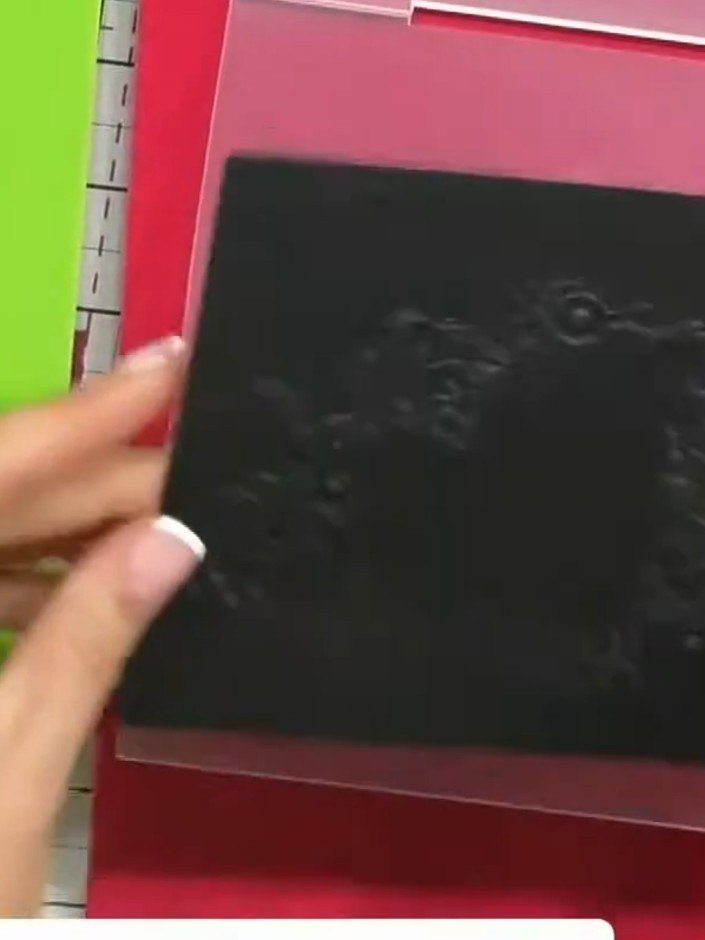
  7. Stamp a sentiment or decorative detail from the Mojito stamp set in black ink onto the stencilled cocktail glass background. Position the stamp carefully to complement the stencilled design. ▶ watch 50:30
  8. Step 8: Place your black cardstock into the High Definition 3D Embossing Folder, aligning it carefully within the fold

    Place your black cardstock into the High Definition 3D Embossing Folder, aligning it carefully within the folder.

    ▶ watch this step (54:00)
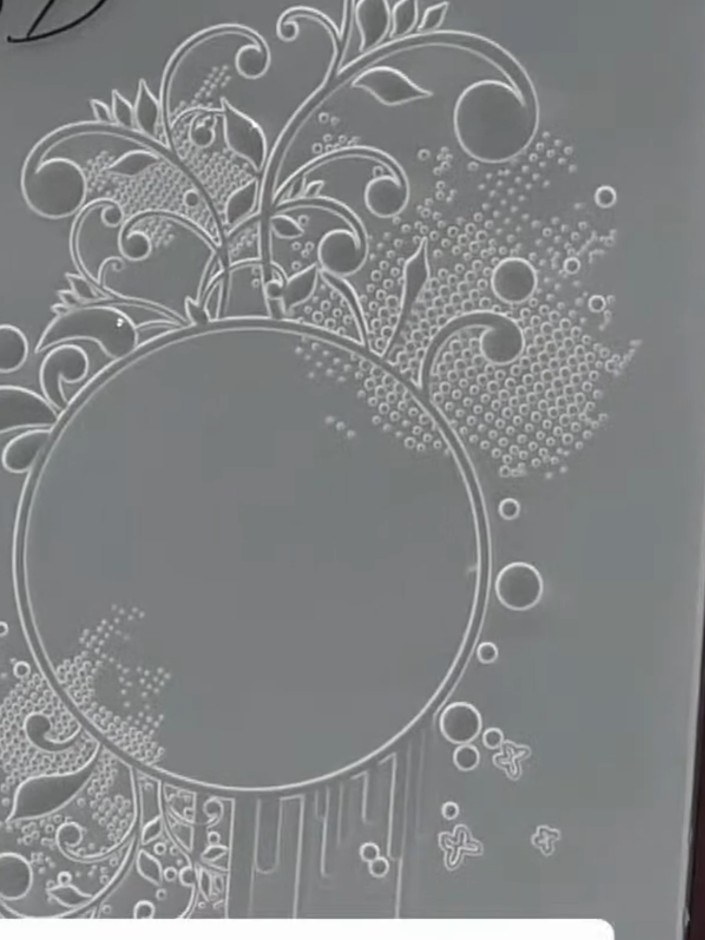
  9. Step 9: Run the embossing folder through your die-cutting machine, applying steady pressure to create the embossed eff

    Run the embossing folder through your die-cutting machine, applying steady pressure to create the embossed effect on your card.

    ▶ watch this step (54:15)
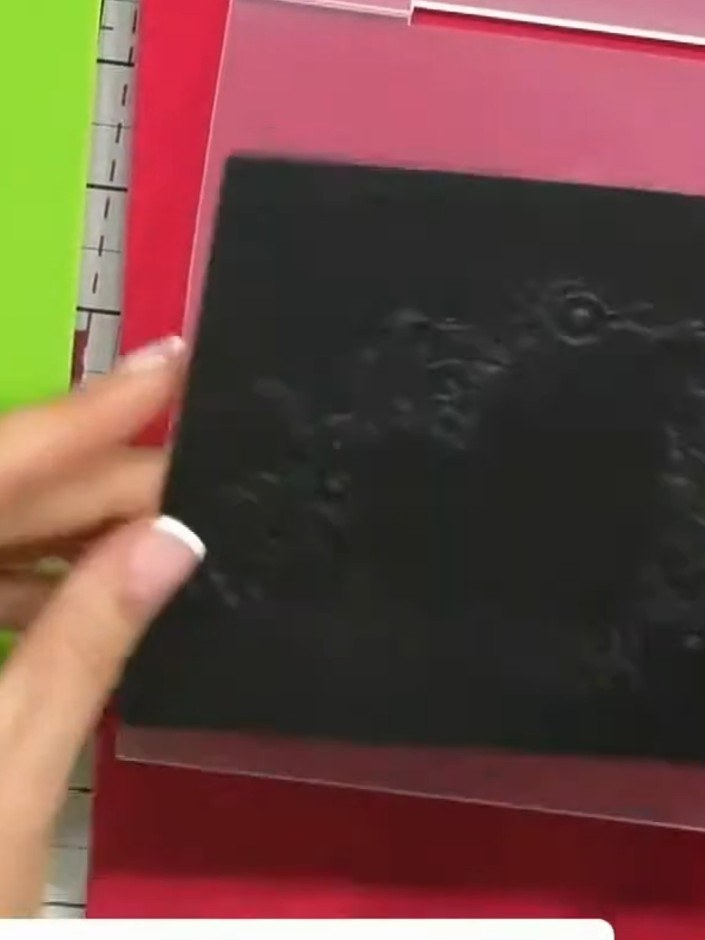
  10. Step 10: Remove the black cardstock from the embossing folder and examine both the raised embossed side and the recesse

    Remove the black cardstock from the embossing folder and examine both the raised embossed side and the recessed debossed side to see the dimensional detail created by the folder.

    ▶ watch this step (54:45)
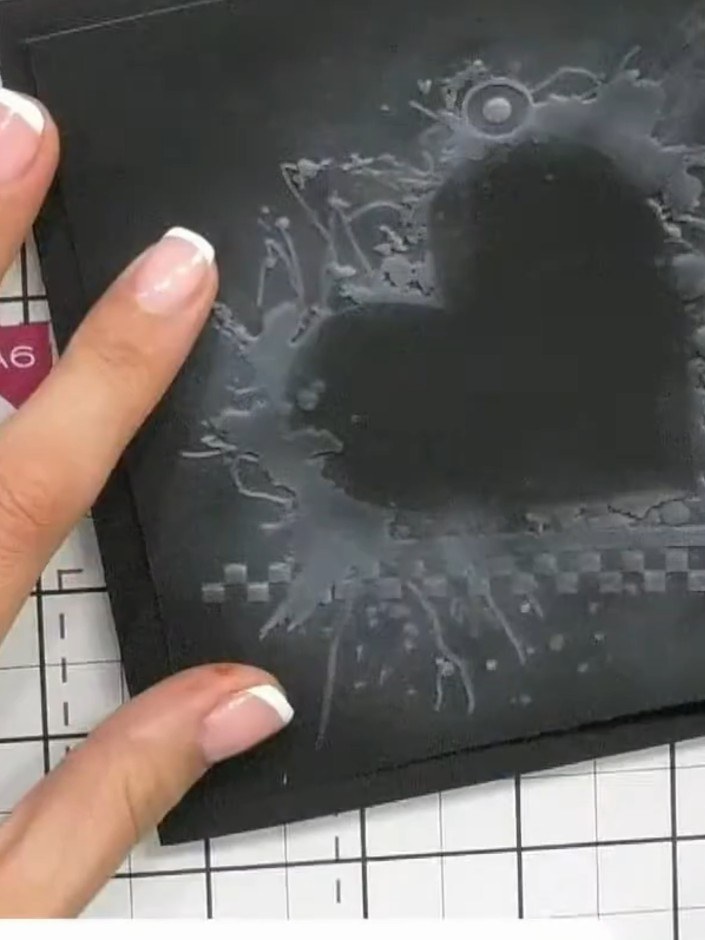
  11. Step 11: Adhere the finished embossed piece to a card base using foam pads to add dimension and showcase the 3D embossi

    Adhere the finished embossed piece to a card base using foam pads to add dimension and showcase the 3D embossing effect.

    ▶ watch this step (57:00)

Tips from the show

More from this show

Written up from the show itself. See every guide from our shows · free how-to guides · watch live on My Telly







