
Step 1 of 7
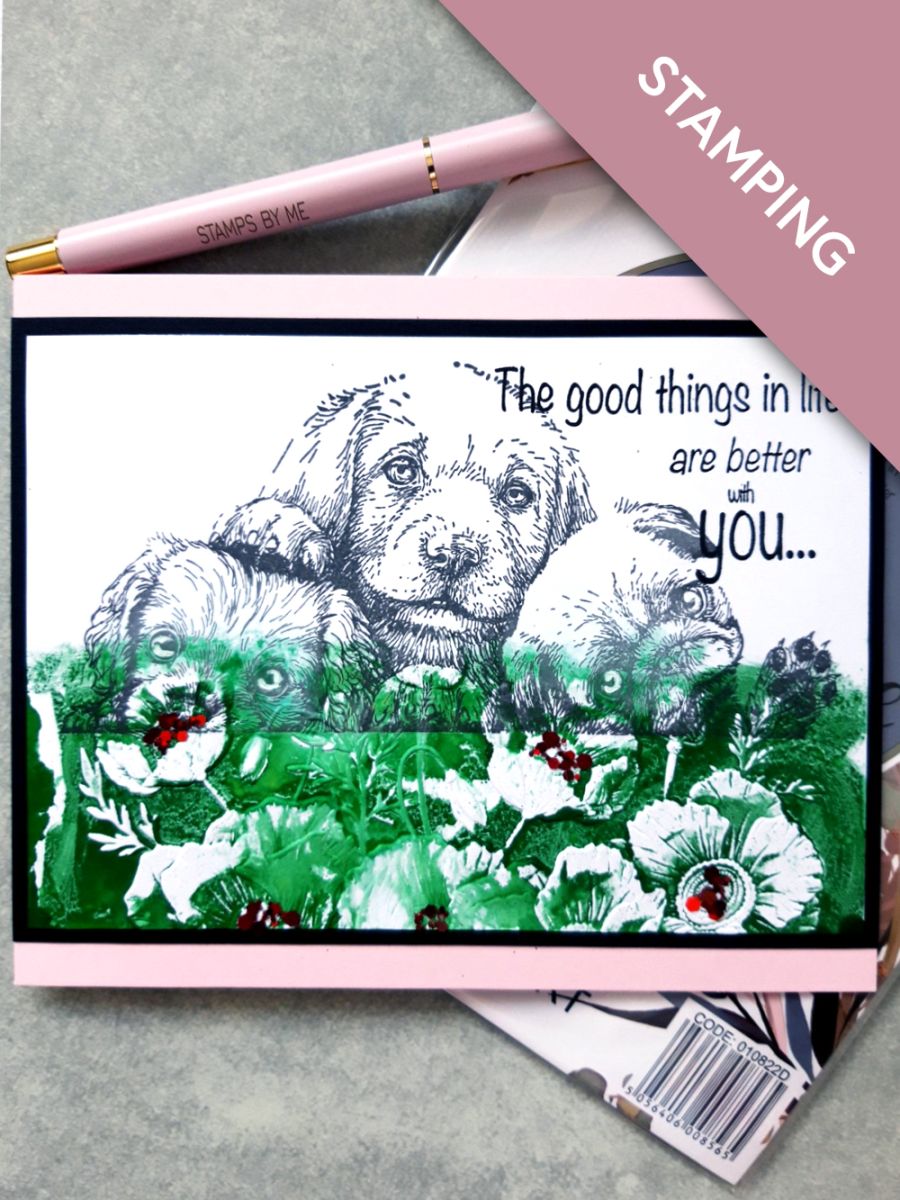
Ink up this Puppy Love stamp, with the Smoky Grey Versafine and stamp in the top half of the white, landscape card (6 3/4 x 4 3/4").








Prices change straight away. Every language is our own translation, not Google.
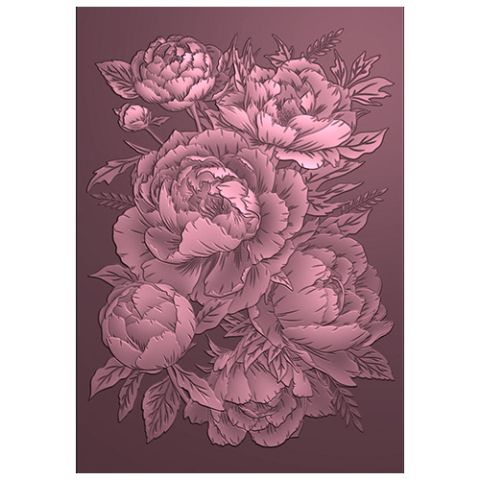 Signature Watercolour High Definition 3d Embossing Folder - Pretty Peony£12.99BUY✓ ADDED
 Eureka 101 Replacement Bar MagnetsEureka 101£10.99BUY✓ ADDED
Ink up this Puppy Love stamp, with the Smoky Grey Versafine and stamp in the top half of the white, landscape card (6 3/4 x 4 3/4").
Ink up the debossed side of the Wild Bouquet embossing folder, with the Hedgerow and spritz with water.
Place the stamped card inside, so that the edge of the embossing folder just overlaps the bottom of the stamped image.
Place on the embossing machine plate, so that the edge of the embossing folder on the stamped image, is just hanging off the end of the plates. This ensures you do not get a crease/embossed line, across your card.
Run it through your embossing machine.
Remove your artwork and blend any harsh edges with the ink and a paint brush.
Ink the sentiment stamp with the Onyx Black Versafine and stamp in the top right corner of your artwork.
Adhere your artwork on to the black card.
Adhere to the front of your pink, landscape card blank.
To finish, add red glitter to the centres of your Poppies.
Share your make with the Stamps By Me community - and keep this guide for next time.
Prefer the previous layout? Open the old page.