QUICK LINKS

info@howtocraftnetwork.com
We just got smarter - shop and watch with the SBM appGET THE APPWatch us live on your smart TVSEE HOWDiscover our dedicated IPTV channel - go to my-telly.comWATCHCollect loyalty points on every orderFIND OUT MORE
Welcome to the How to Craft Network
 
SBM SHOP
FOLLOW US
GIVE YOUR FRIENDS £10 OFF REFER A FRIEND › DISCOVER MY-TELLY.COM › WE JUST GOT SMARTER GET THE APP › AWARD WINNING CHANNEL ON YOUR TV › JOIN THE CLUB FOR SAVINGS ›
 

Interactive Side-Fold Pocket Page

A project from our live show CHRISTMAS WORKSHOP - Join Toni for her FREE project from the comfort of Studio 3 - Broadcast 7th Dec 22 · 07/12/2022 · watch it from 39:30
Interactive Side-Fold Pocket Page - the finished project
The finished project

Create an interactive side-fold pocket page for your scrapbook album using black cardstock. This dimensional design features a fold-out pocket that opens from the edge, perfect for tucking away photos, journaling cards or embellishments. The project uses simple folding and gluing techniques to create a functional and stylish addition to your memory keeping.
DOWNLOAD THIS GUIDE (PDF)

Step by step

  1. Step 1: Take a black cardstock page measuring 5.5 inches tall by 8 inches long.

    Take a black cardstock page measuring 5.5 inches tall by 8 inches long.

    ▶ watch this step (39:45)
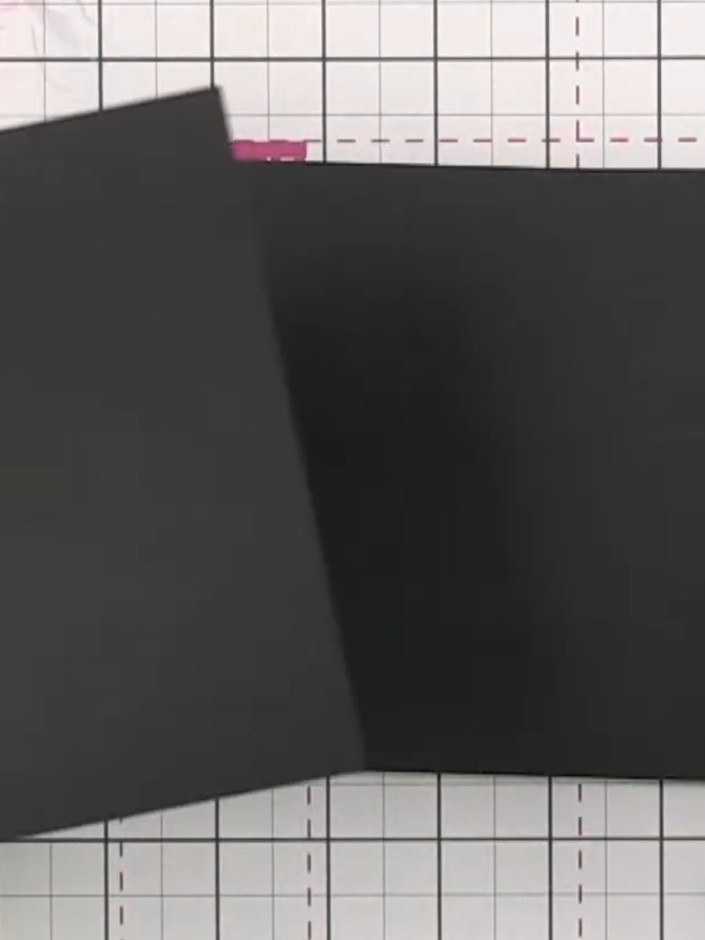
  2. Step 2: Score a line 2 inches (5 cm) from the left edge of the black cardstock to create the fold line for your pocket

    Score a line 2 inches (5 cm) from the left edge of the black cardstock to create the fold line for your pocket flap.

    ▶ watch this step (40:00)
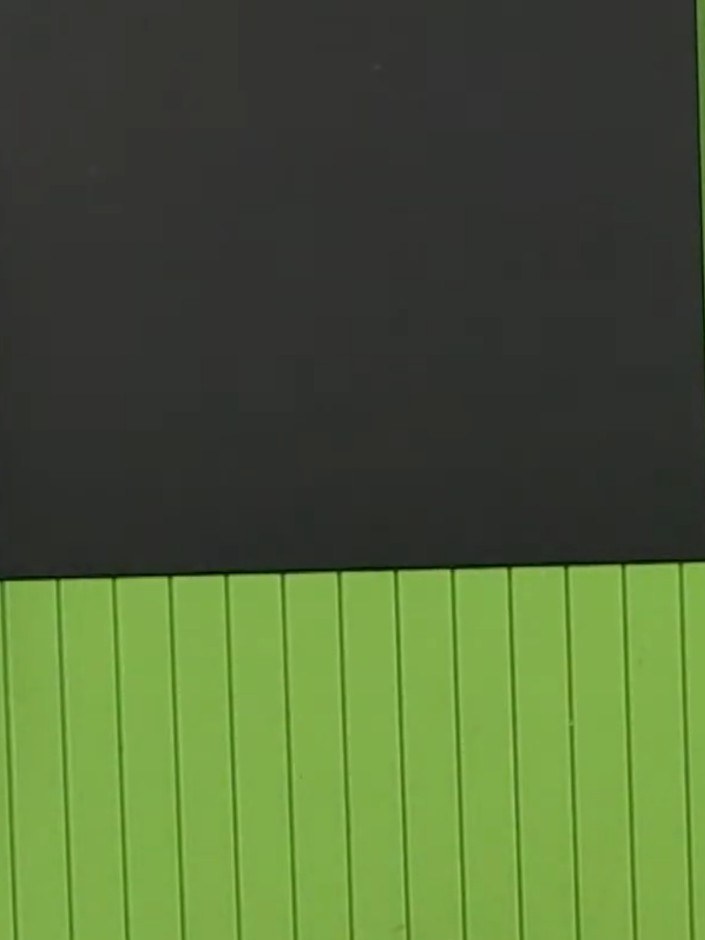
  3. Step 3: Fold the black cardstock along the score line to create the pocket flap.

    Fold the black cardstock along the score line to create the pocket flap.

    ▶ watch this step (40:15)
  4. Apply adhesive to the folded flap of the black cardstock and attach it to the back of another page. Keep the adhesive away from the score line to ensure the page opens smoothly. ▶ watch 40:30
  5. Position the black scored panel onto the green scoring board. The panel can now be glued into your album, where it will open from the side to create an interactive pocket element. ▶ watch 41:00

Tips from the show

More from this show

Written up from the show itself. See every guide from our shows · free how-to guides · watch live on My Telly







