QUICK LINKS

info@howtocraftnetwork.com
We just got smarter - shop and watch with the SBM appGET THE APPWatch us live on your smart TVSEE HOWDiscover our dedicated IPTV channel - go to my-telly.comWATCHCollect loyalty points on every orderFIND OUT MORE
Welcome to the How to Craft Network
 
SBM SHOP
FOLLOW US
GIVE YOUR FRIENDS £10 OFF REFER A FRIEND › DISCOVER MY-TELLY.COM › WE JUST GOT SMARTER GET THE APP › AWARD WINNING CHANNEL ON YOUR TV › JOIN THE CLUB FOR SAVINGS ›
 

Sprinkle Background Christmas Trees Card

A project from our live show MONDAY MADNESS - Join Simon from AVAGO-INK for his last show before Christmas - Broadcast 12th Dec 22 · 12/12/2022 · watch it from 27:30
Sprinkle Background Christmas Trees Card - the finished project
The finished project

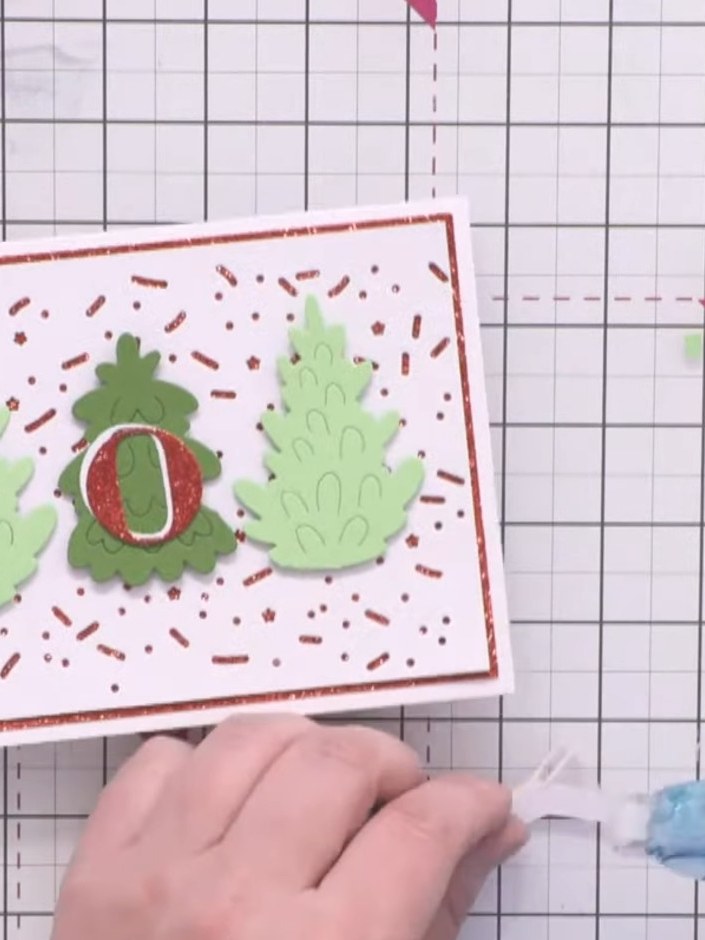
Create a festive Christmas card with a clean and simple design featuring three die-cut trees in varying shades of green. The trees are mounted on a white card panel decorated with a fun sprinkle background, layered onto red glitter card for added sparkle. Complete the design with a bold 'JOY' sentiment created from layered red glitter and white letters.
You will need

TV - A6 Die - Christmas - Joy - 170522JTV - A6 Die - Christmas - Joy - 170522JSEE IT

DOWNLOAD THIS GUIDE (PDF)

Step by step

  1. Step 1: Die-cut the sprinkle background from white card using the A5 Sweet Sprinkles die, which features stars, sprink

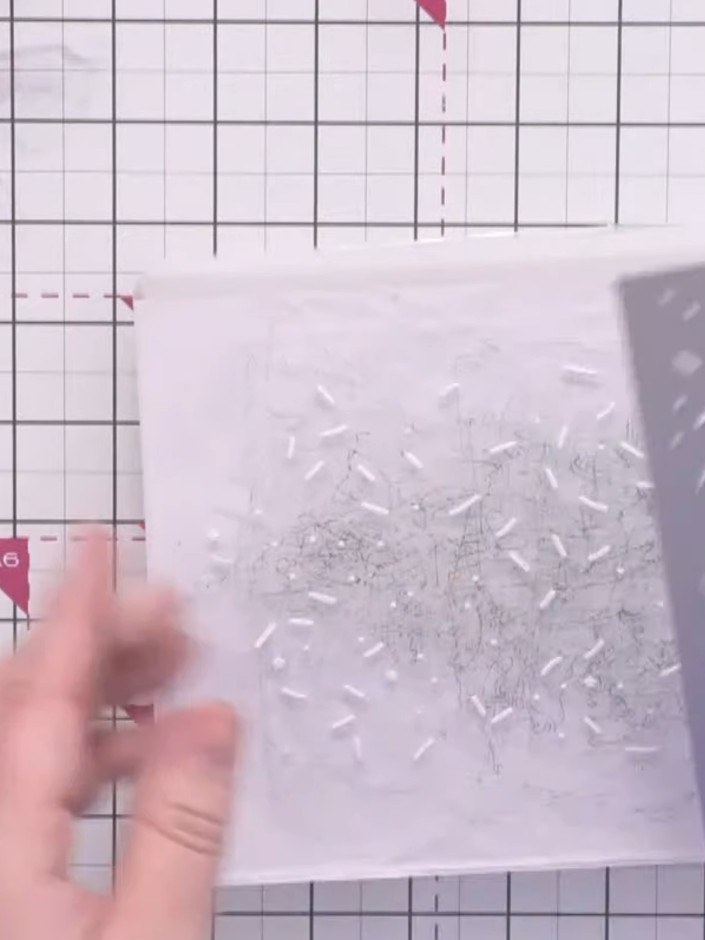
    Die-cut the sprinkle background from white card using the A5 Sweet Sprinkles die, which features stars, sprinkles and dots creating a scattered pattern across the card.

    ▶ watch this step (28:00)
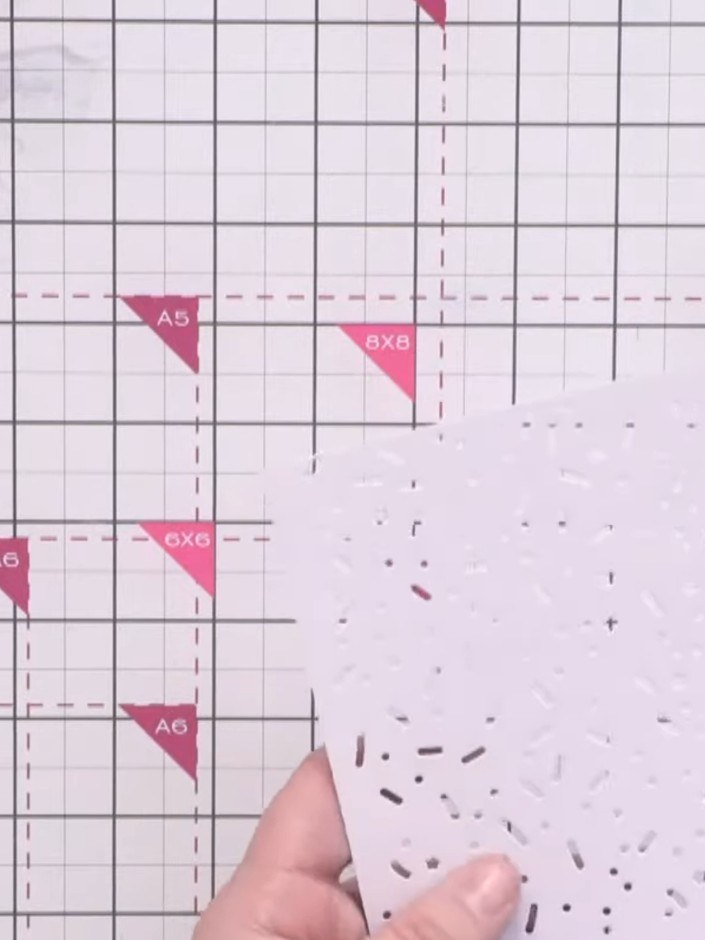
  2. Step 2: Brush away the small die-cut pieces from the sprinkle background die. Use a poker tool to release any stubborn

    Brush away the small die-cut pieces from the sprinkle background die. Use a poker tool to release any stubborn offcuts from the die-cut card.

    ▶ watch this step (28:30)
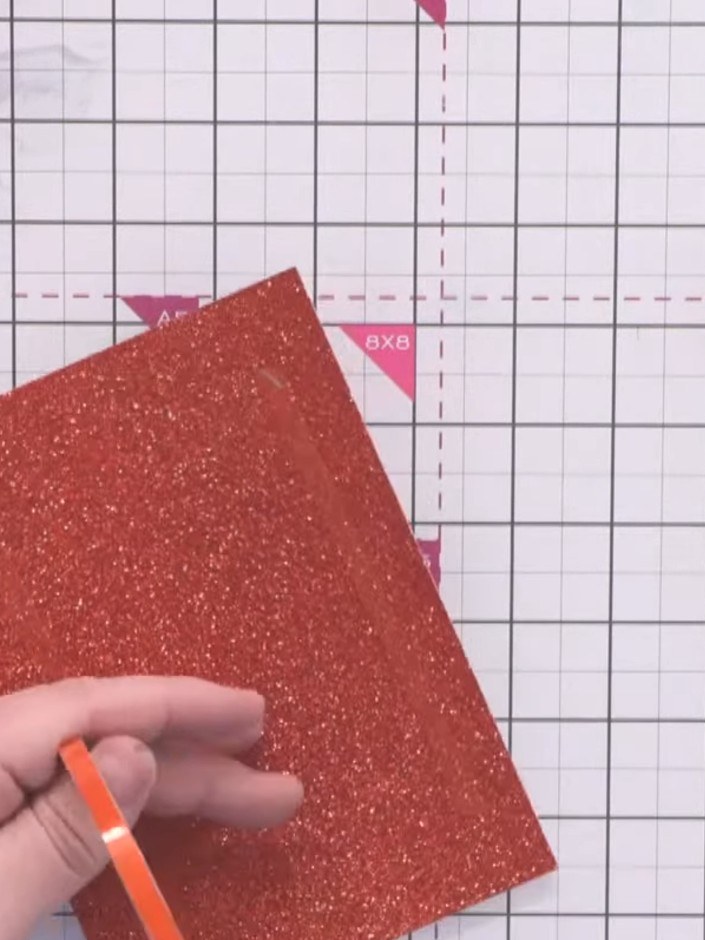
  3. Step 3: Mount the sprinkle background onto red glitter card using red line tape, positioning it centrally.

    Mount the sprinkle background onto red glitter card using red line tape, positioning it centrally.

    ▶ watch this step (29:45)
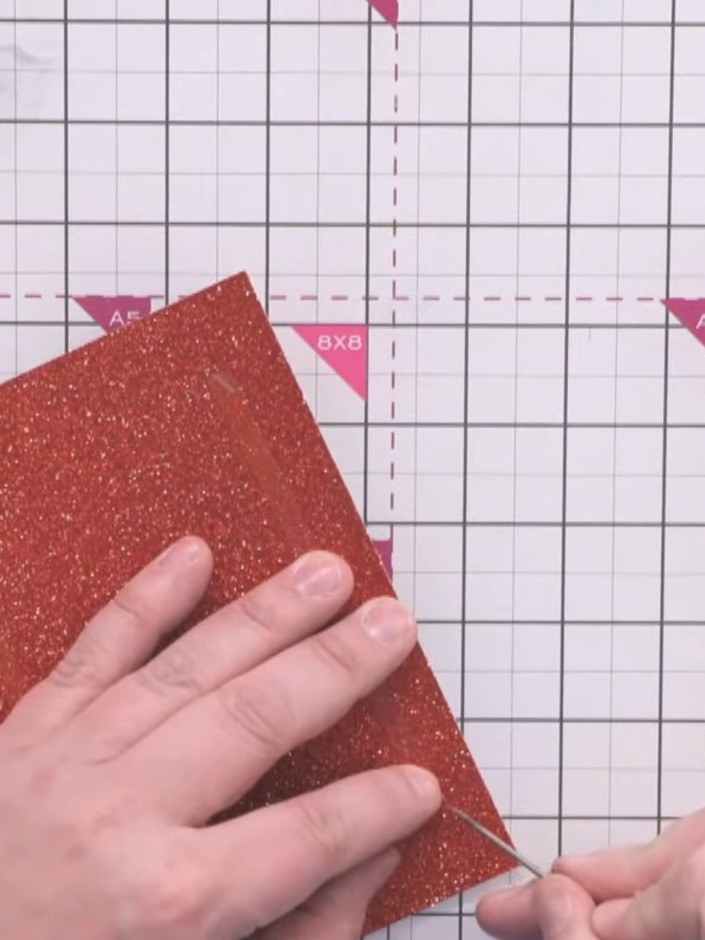
  4. Step 4: Attach the red glitter card layer onto your white card blank, positioning it centrally.

    Attach the red glitter card layer onto your white card blank, positioning it centrally.

    ▶ watch this step (30:00)
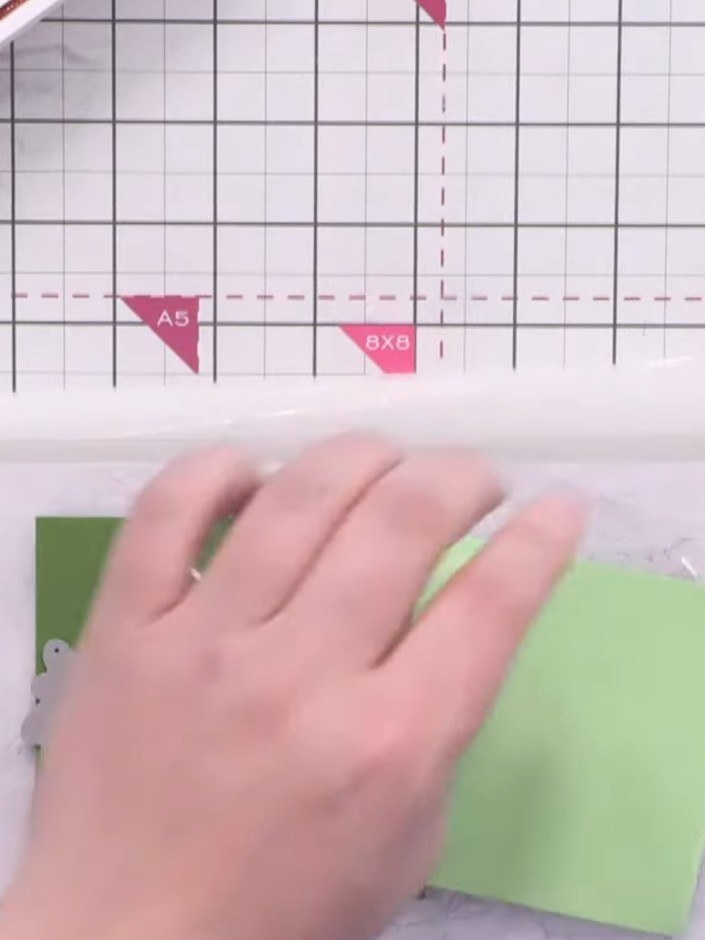
  5. Step 5: Die-cut one tree from dark green textured card using the terrific trees die.

    Die-cut one tree from dark green textured card using the terrific trees die.

    ▶ watch this step (32:00)
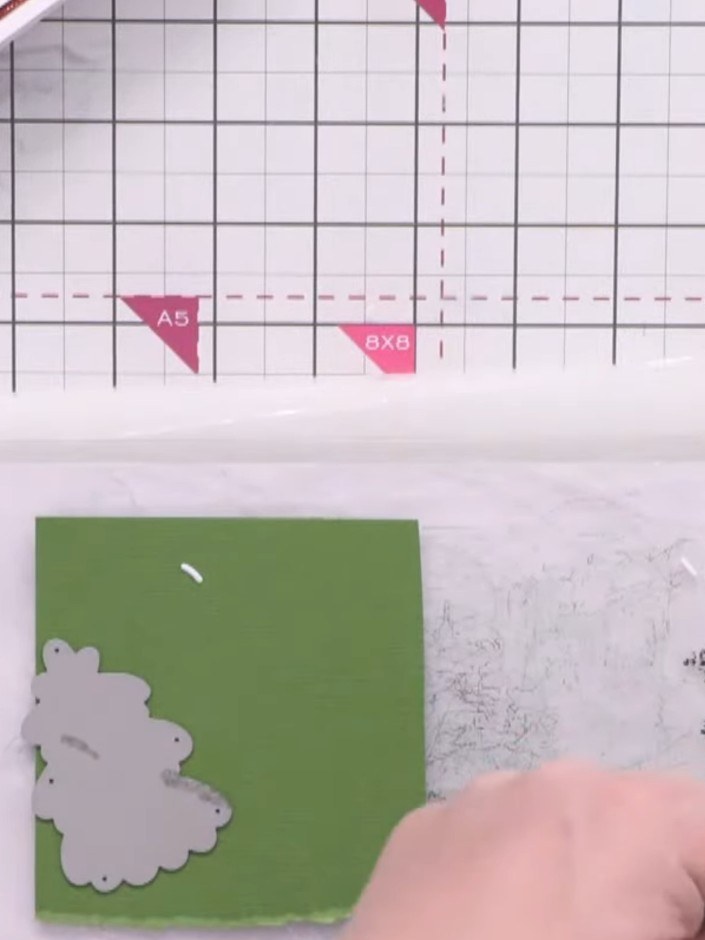
  6. Step 6: Die-cut two trees from light green textured card using the Terrific Trees die.

    Die-cut two trees from light green textured card using the Terrific Trees die.

    ▶ watch this step (32:15)
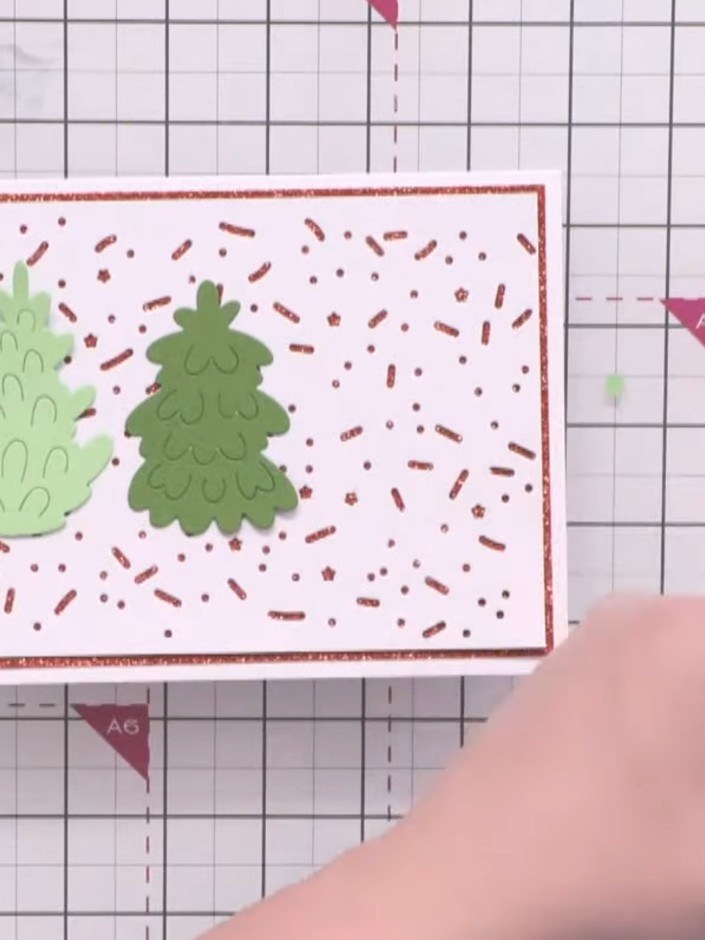
  7. Step 7: Trim the lighter green trees to a similar height. Gently curl the trees to give them shape and dimension.

    Trim the lighter green trees to a similar height. Gently curl the trees to give them shape and dimension.

    ▶ watch this step (33:45)
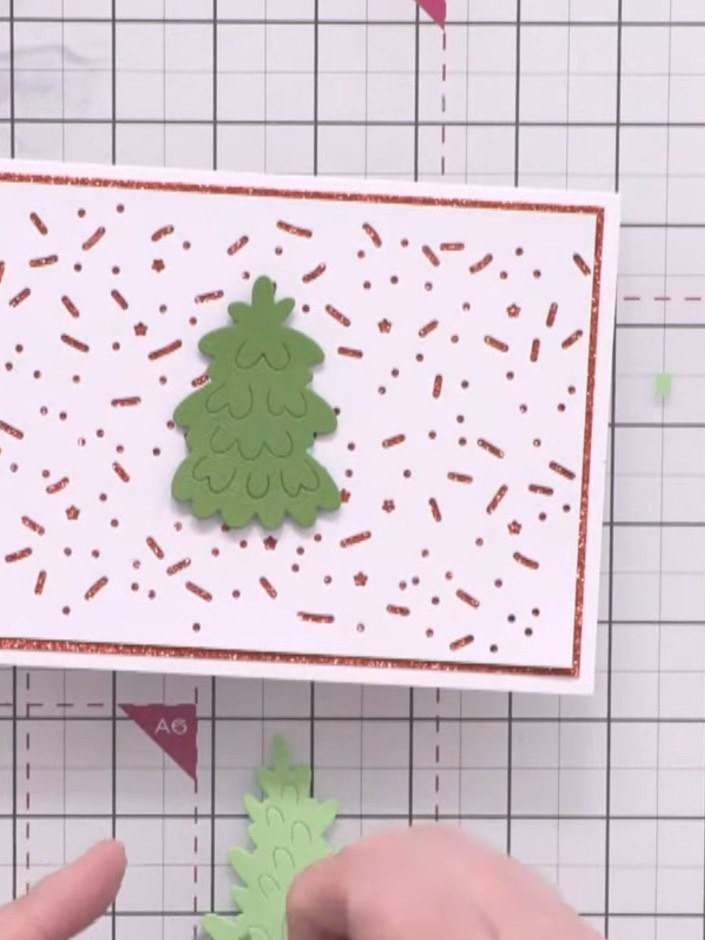
  8. Step 8: Attach the dark green tree in the centre of the card using foam pads. Position the two lighter green trees on

    Attach the dark green tree in the centre of the card using foam pads. Position the two lighter green trees on either side of the centre tree.

    ▶ watch this step (34:15)
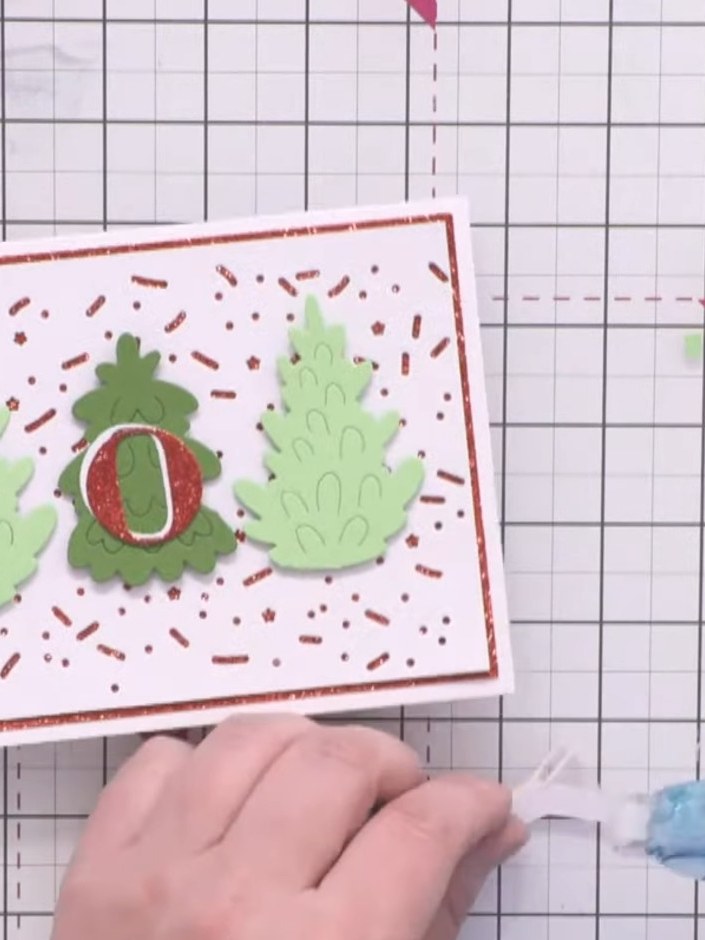
  9. Die-cut the 'Joy' sentiment from red glitter card using the Joy die. ▶ watch 35:00
  10. Die-cut the word 'Joy' from white card using the Joy die set. This will create a layered effect when added to the card. ▶ watch 35:30
  11. Step 11: Position the white 'Joy' sentiment slightly offset towards the top and left of the red glitter 'Joy' layer to

    Position the white 'Joy' sentiment slightly offset towards the top and left of the red glitter 'Joy' layer to create a shadow effect.

    ▶ watch this step (37:15)
  12. Position and adhere the layered 'Joy' sentiment above the three trees to complete your card design. ▶ watch 38:00

Tips from the show

More from this show

Written up from the show itself. See every guide from our shows · free how-to guides · watch live on My Telly







