Give your friends £10 off their first order!
Refer a FRIEND








A project from our live show 811132 SBM Quattro D 4-STEP Peony Kit · 01/01/2023 · watch it from 2:15
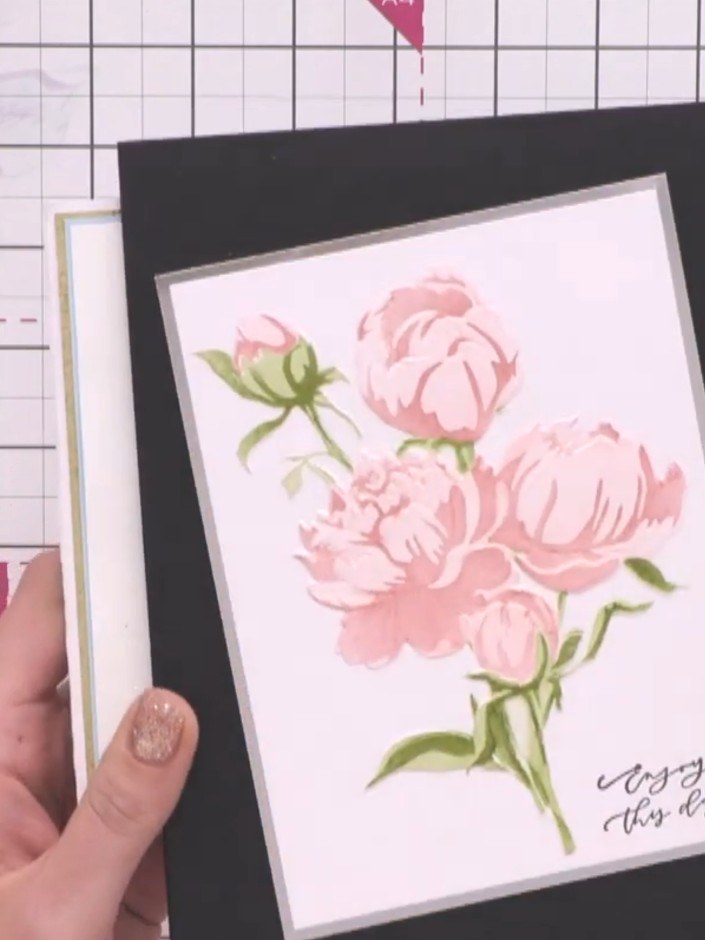
Create a stunning layered peony card featuring beautiful blue and gold florals with dimensional details. This elegant design uses the Quattro D four-stage layering system combined with stencilling, stamping, die-cutting and 3D embossing techniques. The result is a sophisticated card with wonderful depth and a real wow factor.
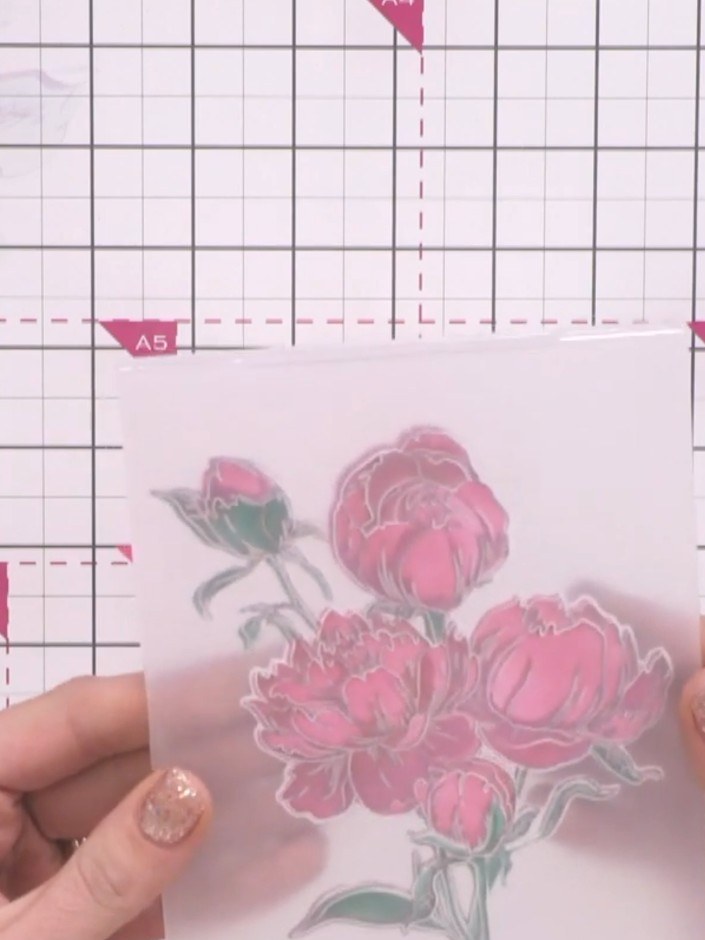
Take your 3D embossing folder and insert your die-cut peony element into it, ensuring the design lines up correctly with the embossing pattern on the folder.
▶ watch this step (2:15)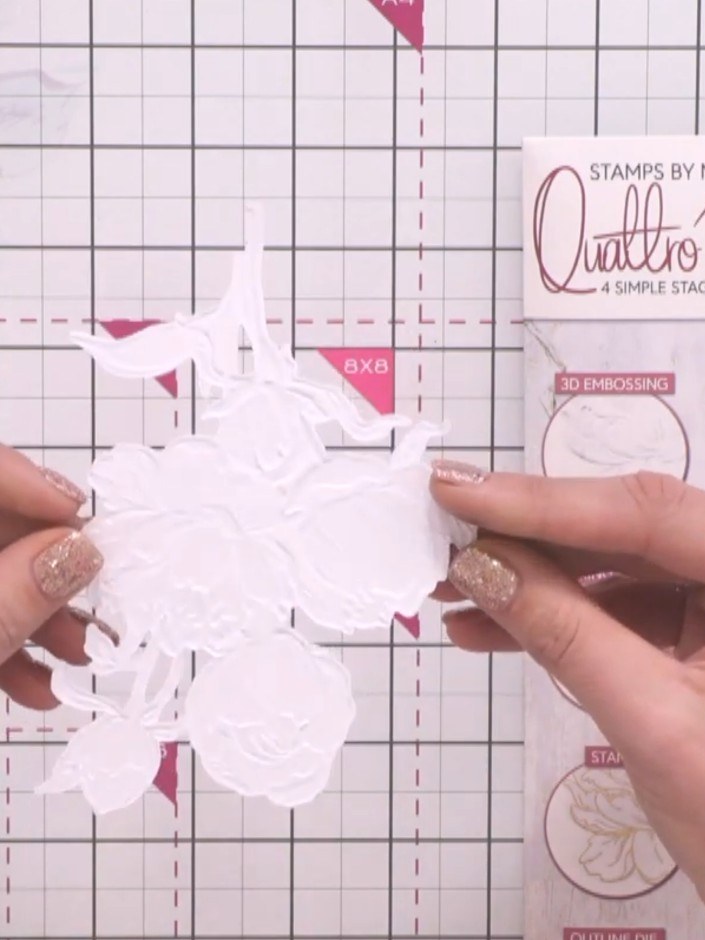
Twist the 3D embossing folder around to align the peony element properly with your design. The embossing folder will only fit one way to create the correct raised effect.
▶ watch this step (2:30)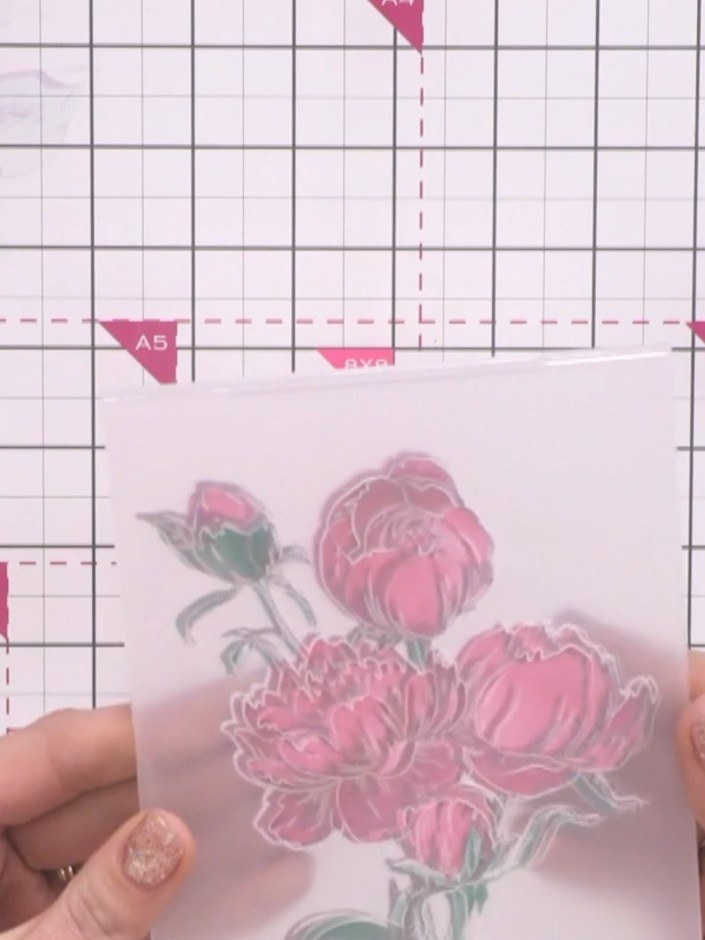
Pinch the embossing folder together around your stamped image and run it through your die-cutting machine. This will create the raised 3D effect on the flowers.
▶ watch this step (2:30)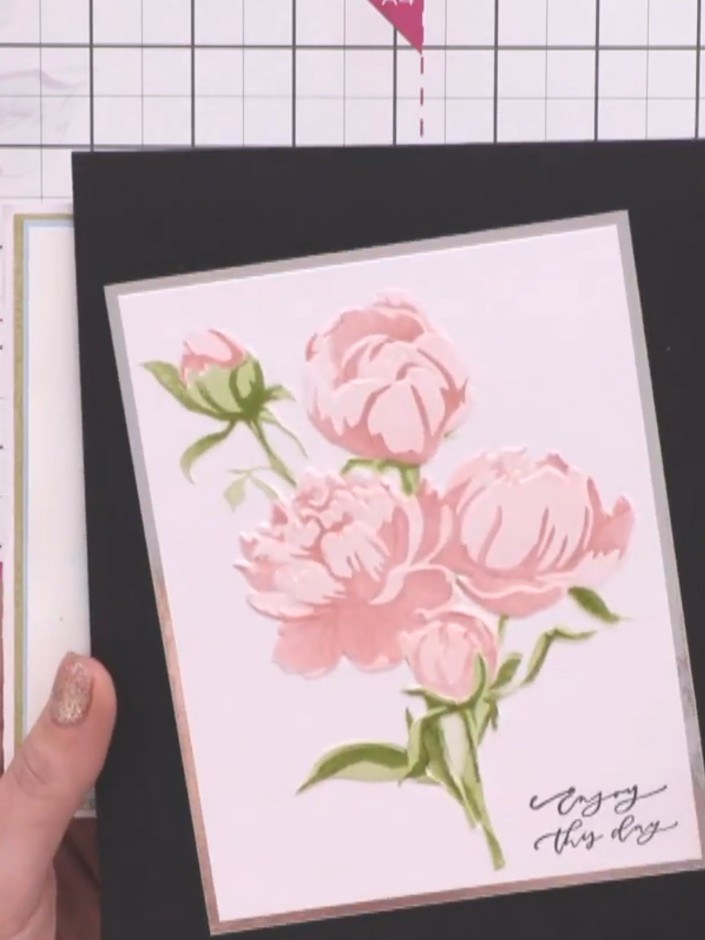
Layer the pink peony panel with the gold border onto the black card base. Position it centrally to create an elegant frame around the floral image.
▶ watch this step (3:00)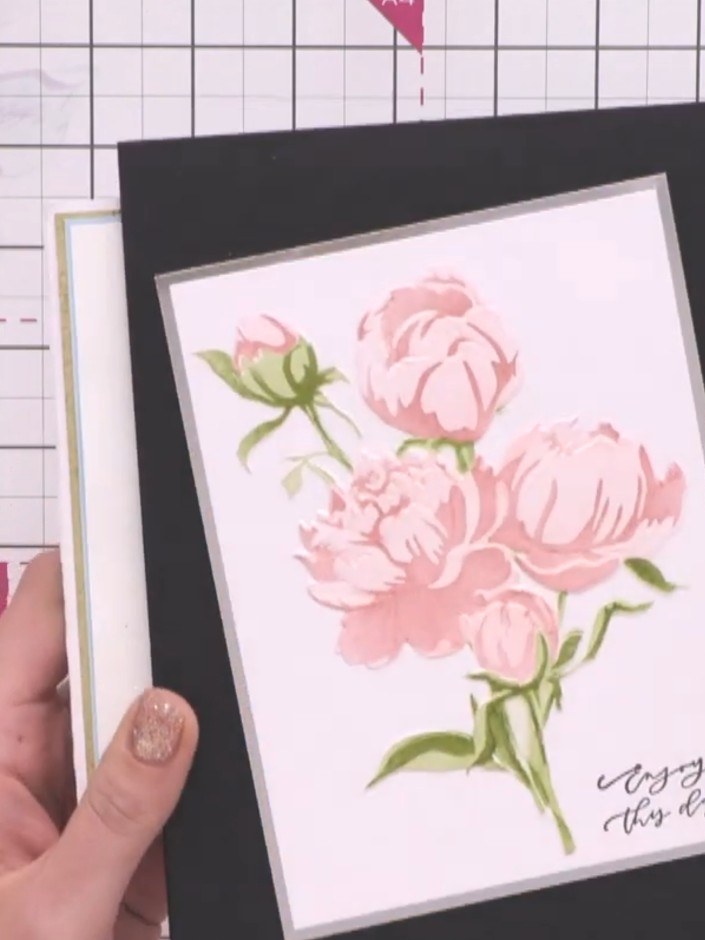
Tilt the card forward so that only the embossed elements of the design are visible, creating a raised effect on your background panel.
▶ watch this step (3:15)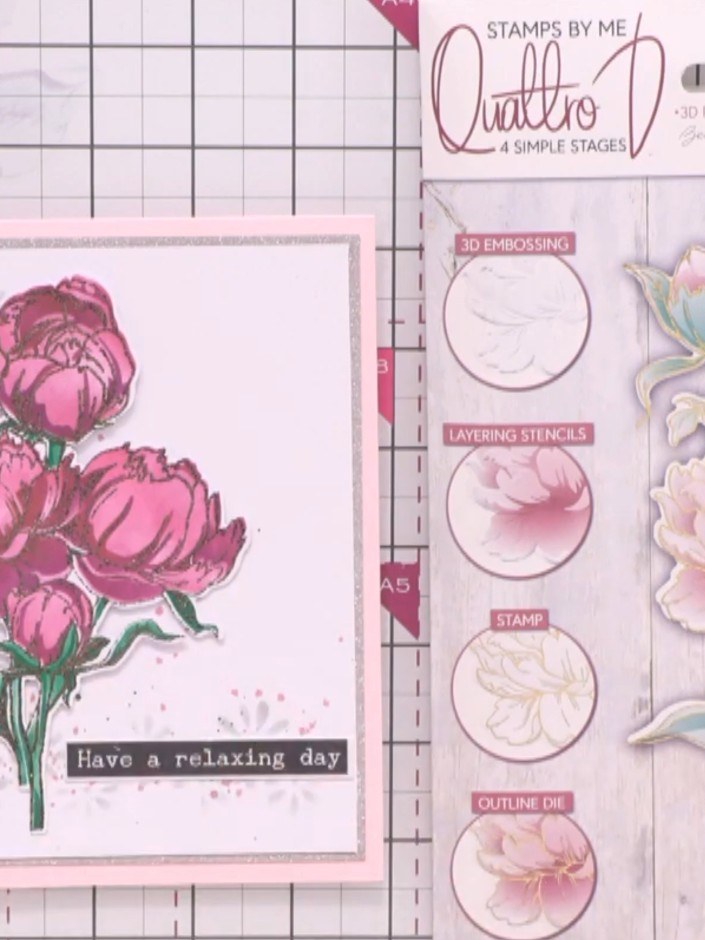
Position your finished 3D peony element down the side of your card as a focal point. The completed card features pink peonies with green leaves and the sentiment 'Have a relaxing day'.
▶ watch this step (3:45)Written up from the show itself. See every guide from our shows · free how-to guides · watch live on My Telly