Give your friends £10 off their first order!
Refer a FRIEND








A project from our live show QUATTRO-D Cocktails explained straight out of the packet · 01/01/2023 · watch it from 1:15
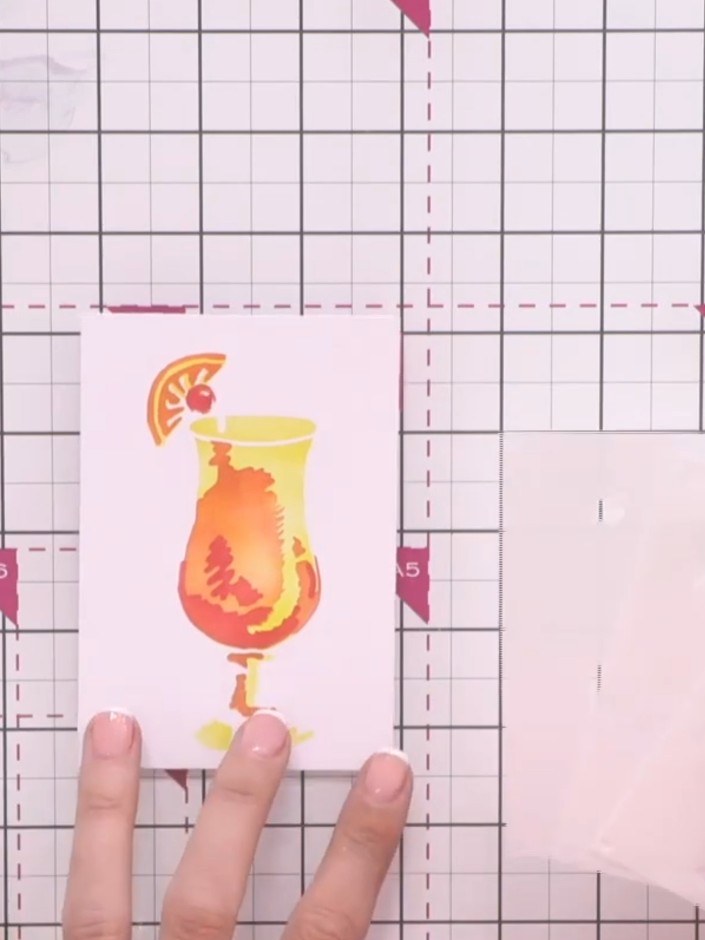
Create a stunning cocktail-themed card featuring a vibrant tropical drink in warm orange and yellow tones. Using the Quattro-D layering stencil system, you'll build up a dimensional design by applying three numbered stencils in sequence. This technique produces beautiful, professional results with minimal effort, perfect for creating eye-catching greeting cards.
 Stamps By Me Quattro D - Mojito - 090922ASEE IT
 Stamps By Me Quattro D - Tequila Sunrise - 090922CSEE IT
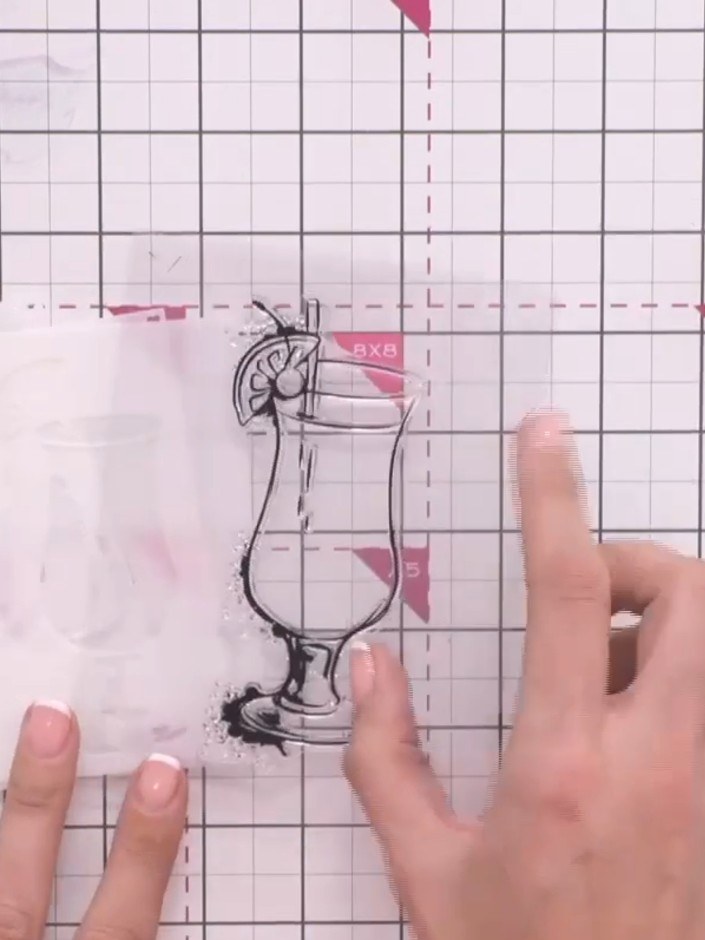
Remove the three numbered layering stencils from the packaging. Note that they are numbered one, two, and three for the layering sequence.
▶ watch this step (1:15)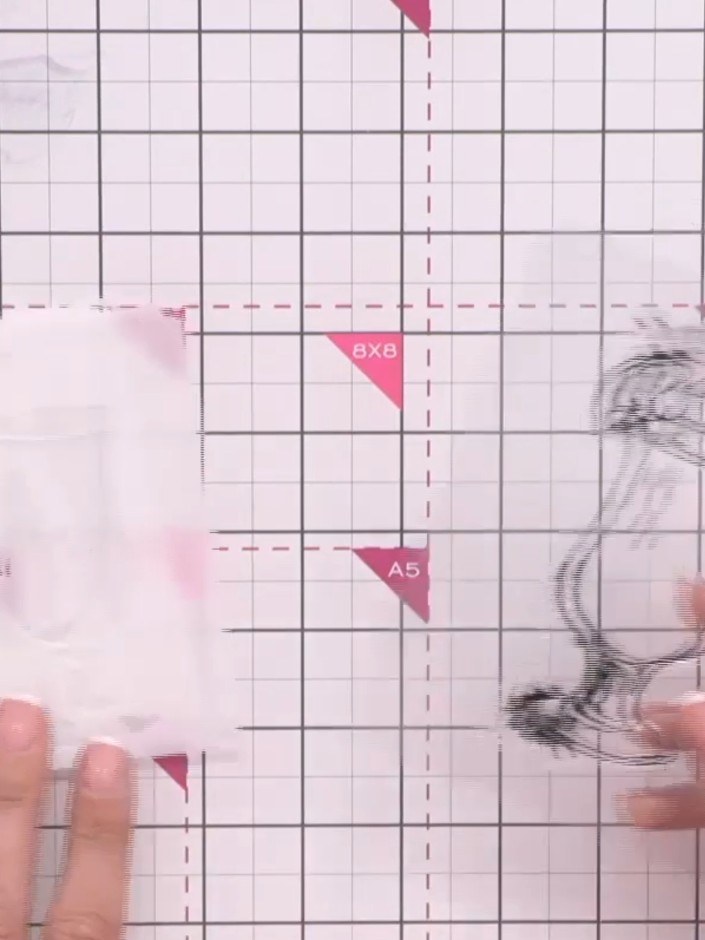
Select your card base from the numbered options (one, two, or three). The coordinating die can be used to create the layered effect, and you can mix up the order of the steps as preferred.
▶ watch this step (1:30)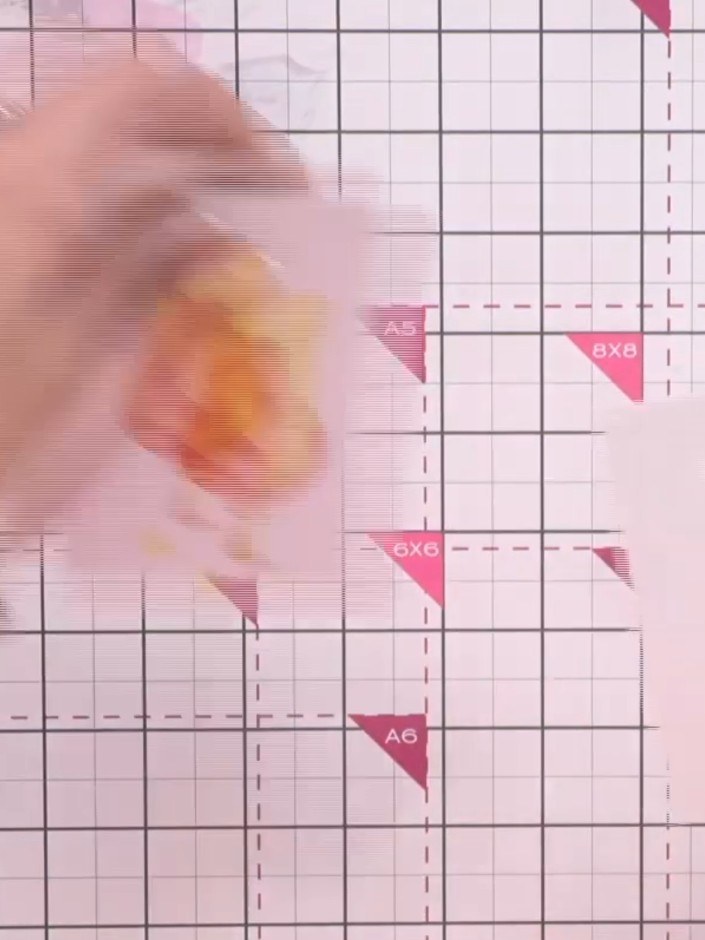
Position stencil 1 (marked A4 and 5) over your stamped cocktail image on the card. Using a blending tool or sponge, apply your chosen ink colour through the stencil openings to add the first layer of colour to the design.
▶ watch this step (2:00)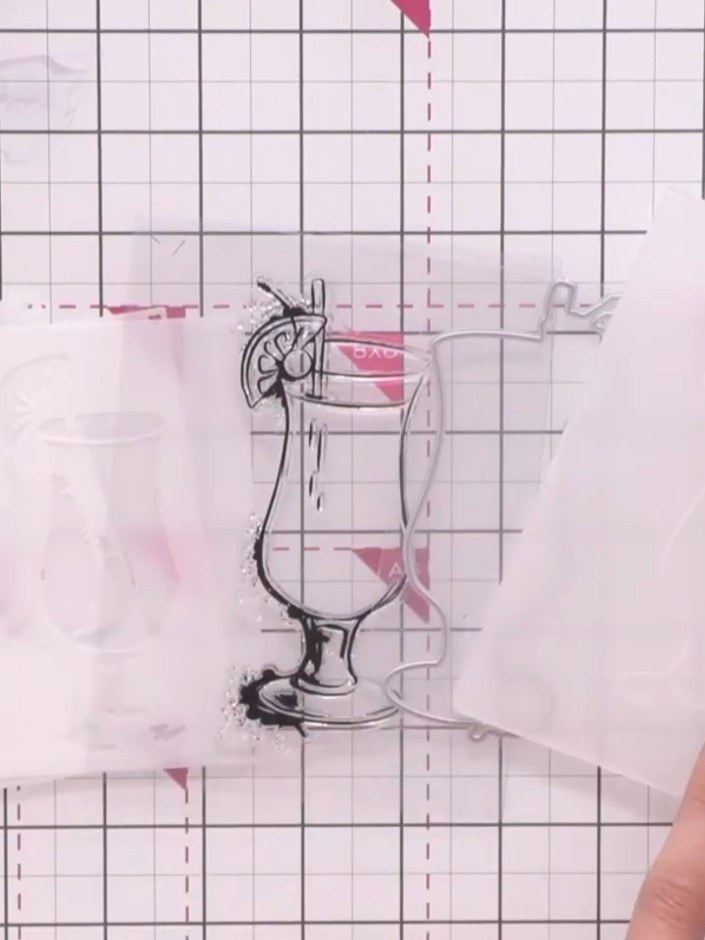
Place the second stencil layer over your stamped image, aligning it carefully. Use the embossing folder or die to add the next colour detail through the stencil openings.
▶ watch this step (2:00)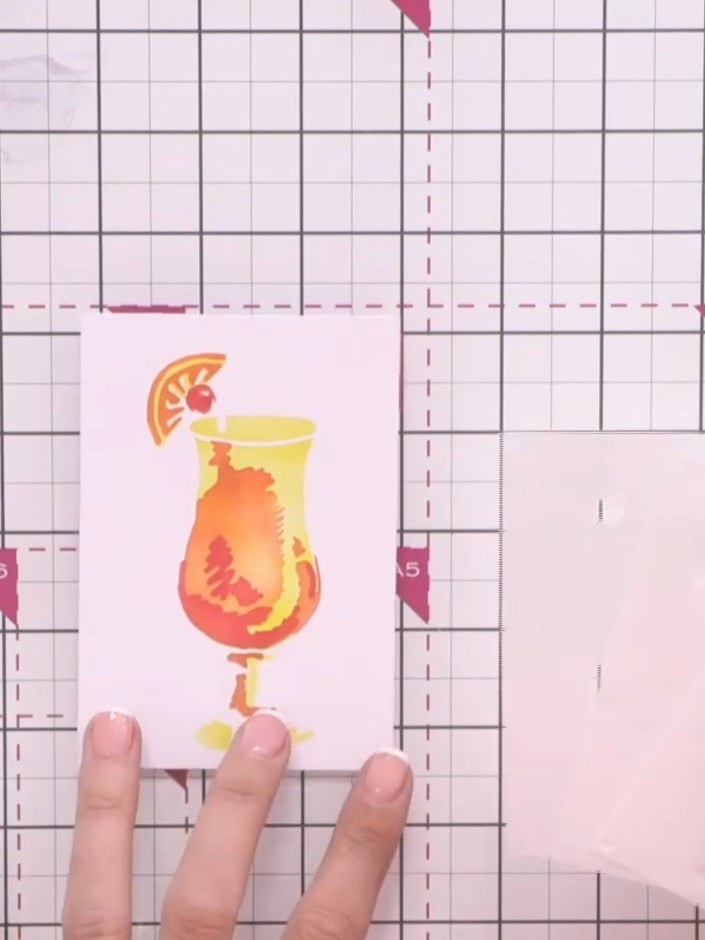
Position stencil layer three over your stamped cocktail image and apply the third colour using your blending tool. This completes the layered stencil design, building up the full dimensional cocktail illustration.
▶ watch this step (2:00)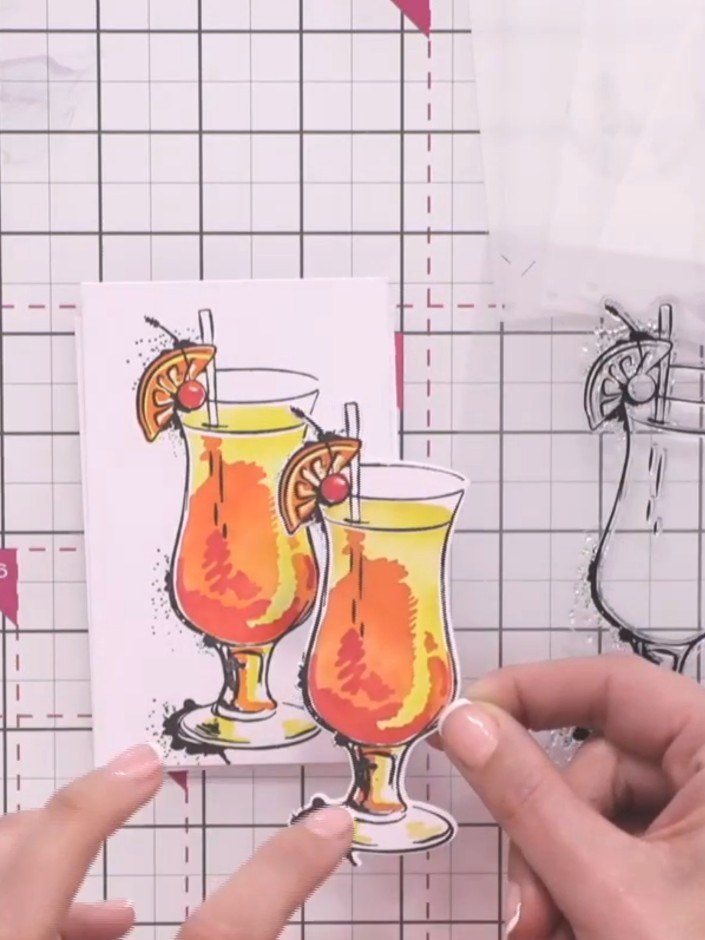
Add a sentiment to your card if desired. Use foam pads behind the sentiment to add dimension and complete your Quattro-D cocktail card design.
▶ watch this step (2:15)Written up from the show itself. See every guide from our shows · free how-to guides · watch live on My Telly